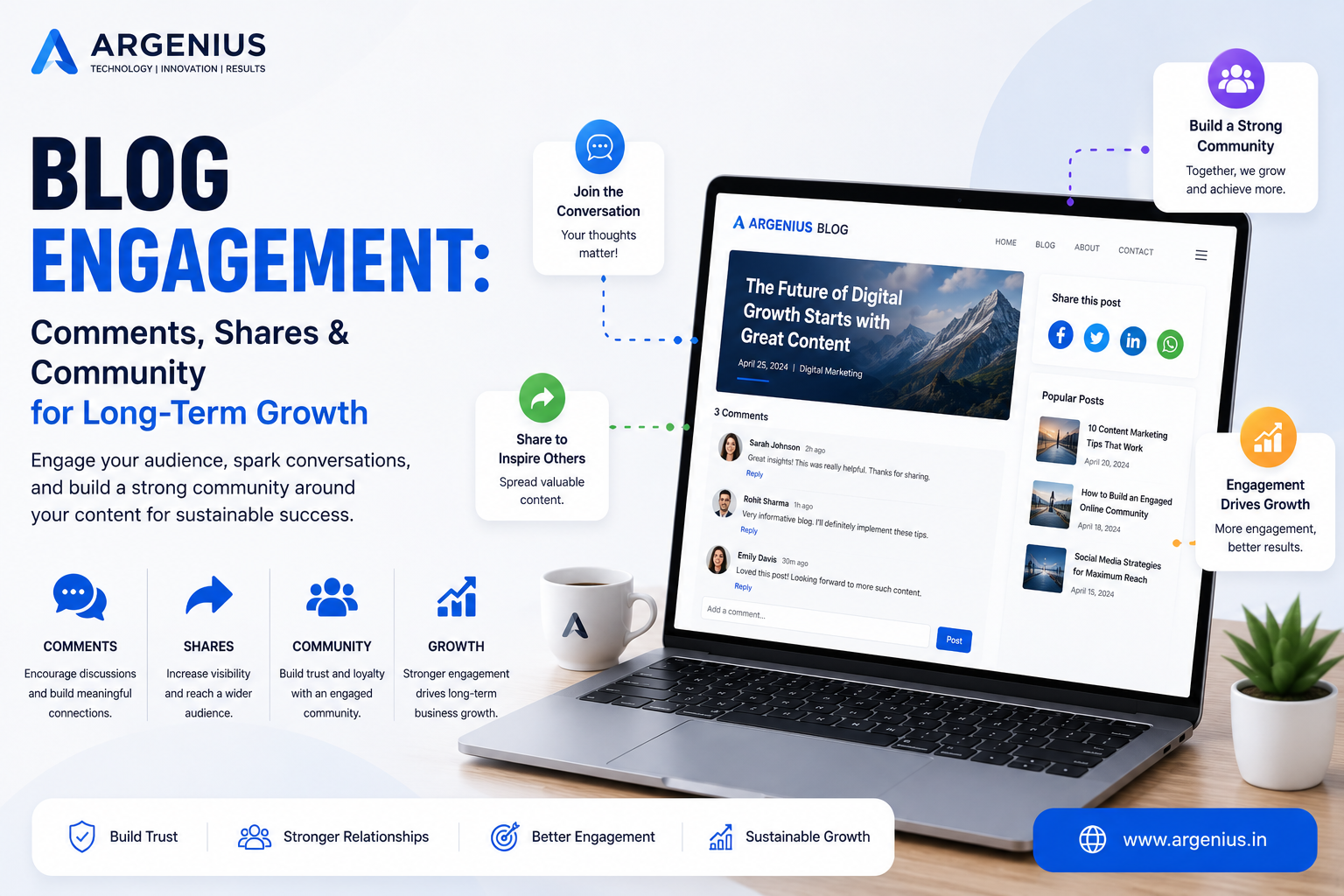
Discover how adding related posts keeps readers engaged, improves SEO, strengthens internal linking, and helps visitors discover more valuable content on your website.
Introduction
Publishing valuable blog content is only the first step in building a successful website. The real challenge begins after a visitor finishes reading an article. If there is no clear path to additional content, many readers will simply leave your website, increasing your bounce rate and reducing opportunities for engagement. This is where Related Posts become one of the most effective tools for improving both user experience and SEO.
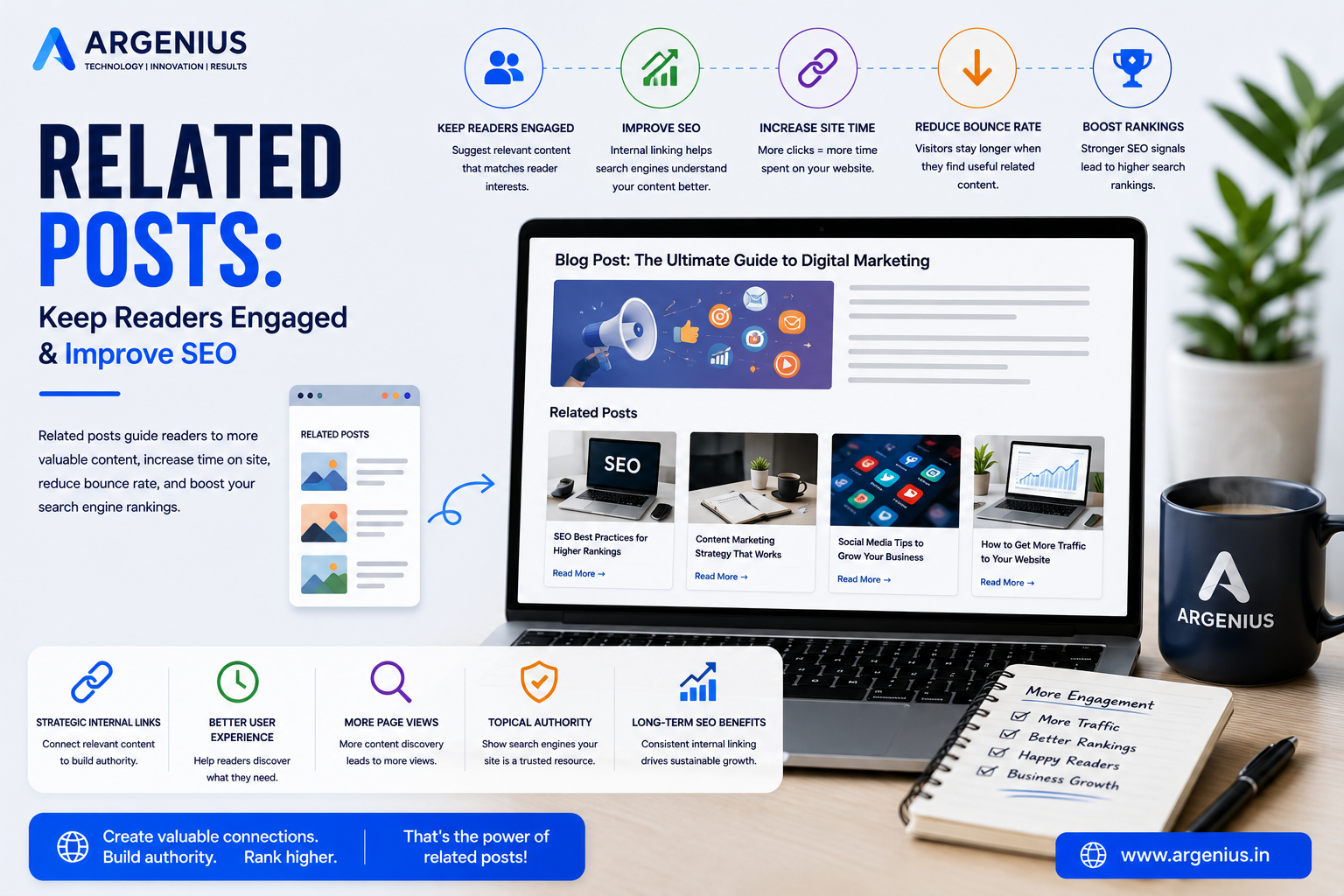
Related posts recommend additional articles that are closely connected to the topic a visitor is currently reading. Instead of forcing users to search manually, these recommendations guide them toward relevant content, encouraging them to continue exploring your website. This simple feature can significantly increase page views, session duration, and overall user satisfaction.
From an SEO perspective, related posts strengthen your internal linking structure, distribute page authority across your website, improve crawlability, and help search engines understand the relationship between your content. They also support topical authority by connecting articles within the same subject area, making your website more relevant for targeted search queries.
Whether you manage a business website, educational platform, technology blog, news portal, or eCommerce website, implementing a smart related posts strategy can transform isolated articles into an interconnected content ecosystem that benefits both users and search engines.
In this comprehensive guide, you'll learn how Related Posts work, why they matter, how to implement them effectively, and how they contribute to long-term SEO success.
At Argenius, we build SEO-focused websites that use intelligent internal linking and related content strategies to improve engagement, increase organic traffic, and generate more business leads.
What are Related Posts?
Related Posts are automatically or manually selected blog articles that are displayed alongside the current article because they share a similar topic, category, tag, or keyword.
They help readers discover additional relevant content without leaving your website.
Common locations include:
- End of Blog Posts
- Sidebar Widgets
- Within Content Sections
- After Conclusion
- Homepage Recommendations
- Category Pages
- Author Pages
- Archive Pages
- Search Results
- Mobile Content Suggestions
Their primary goal is to keep visitors engaged and encourage further exploration.
Why Related Posts Matter
Readers are more likely to continue browsing when they are presented with relevant recommendations.
Benefits include:
- Higher Page Views
- Longer Session Duration
- Better User Experience
- Improved Internal Linking
- Lower Bounce Rate
- Better Content Discovery
- Increased Reader Engagement
- Stronger SEO
- Improved Topical Authority
- Higher Lead Generation Potential
Instead of ending the user journey, related posts create opportunities for continued engagement.
Benefits of Using Related Posts
A well-designed related posts section offers several long-term advantages.
These include:
- Better Website Navigation
- Increased Organic Traffic
- Stronger SEO Performance
- Higher Reader Retention
- More Returning Visitors
- Improved Content Visibility
- Better Crawlability
- Increased Conversion Opportunities
- Better AI Search Understanding
- Higher ROI from Existing Content
Every additional page viewed increases the value of your content library.
How Related Posts Work
Related posts can be generated using several methods.
Common approaches include:
Category-Based Recommendations
Display articles from the same category.
Tag-Based Recommendations
Recommend posts sharing similar tags.
Keyword Matching
Use target keywords to identify related content.
Manual Selection
Editors choose the most relevant articles.
AI-Powered Recommendations
Recommend content based on context and user behavior.
Popular Content
Display articles with high engagement.
Recently Updated Posts
Highlight refreshed evergreen content.
Personalized Recommendations
Suggest content based on visitor interests.
Why Related Posts Improve SEO
Search engines use internal links to understand content relationships.
Related posts help by:
- Improving Crawlability
- Distributing Link Authority
- Strengthening Topic Clusters
- Increasing Indexed Pages
- Supporting Topical Authority
- Improving User Signals
- Encouraging Longer Sessions
- Increasing Internal Link Depth
- Reducing Orphan Pages
- Improving Website Structure
A strong related posts strategy supports both technical SEO and content marketing goals.
Common Mistakes
Avoid these common issues:
- Showing Unrelated Articles
- Too Many Recommendations
- Broken Internal Links
- Duplicate Suggestions
- Ignoring Mobile Users
- Weak Content Matching
- Poor Layout
- Slow Loading Widgets
- Never Updating Recommendations
- Using Generic Titles
Relevant recommendations are always more effective than random links.
Step-by-Step Strategy for Implementing Related Posts
A strategic related posts section helps visitors continue exploring your website while strengthening your SEO.
Follow this proven framework:
- Identify Related Content
- Group Articles into Topic Clusters
- Use Categories and Tags
- Add Related Posts at the End of Every Article
- Display 3–6 Relevant Recommendations
- Prioritize Evergreen Content
- Include Featured Images
- Optimize for Mobile Devices
- Track User Engagement
- Continuously Improve Recommendations
A structured strategy keeps readers engaged and improves content discoverability.
Choosing the Right Related Posts
Not every article should be recommended together. Relevance is the key to success.
Choose posts based on:
- Similar Topics
- Shared Keywords
- Same Category
- Common Tags
- User Search Intent
- Reading Journey
- Beginner to Advanced Guides
- Content Clusters
- Popular Articles
- Updated Evergreen Content
The more relevant the recommendation, the higher the chances that readers will continue browsing.
Internal Linking Best Practices
Related posts are one of the strongest forms of internal linking.
Follow these best practices:
- Link to Highly Relevant Articles
- Connect Pillar Pages with Supporting Content
- Use Descriptive Anchor Text
- Avoid Excessive Internal Links
- Update Older Articles Regularly
- Link to High-Converting Pages
- Eliminate Orphan Pages
- Maintain Logical Content Flow
A strong internal linking structure improves both SEO and user experience.
Optimizing Related Posts for SEO
Related posts should support your website's overall SEO strategy.
Optimize by:
- Displaying SEO-Friendly Titles
- Using Descriptive URLs
- Including Optimized Featured Images
- Adding Relevant Categories
- Improving Internal Link Distribution
- Supporting Topic Clusters
- Reducing Bounce Rate
- Increasing Average Session Duration
- Highlighting Evergreen Content
- Keeping Recommendations Updated
Well-optimized related posts help search engines better understand your website's content hierarchy.
AI Search Optimization
Modern AI-powered search systems evaluate how well content is connected across a website.
Improve AI visibility by:
- Building topic clusters.
- Connecting related articles naturally.
- Using descriptive headings.
- Publishing comprehensive content.
- Strengthening semantic relationships.
- Updating older content regularly.
- Maintaining clear navigation.
- Creating logical content hierarchies.
These practices improve visibility in Google AI Overviews, ChatGPT, Gemini, and Perplexity.
Measuring Reader Engagement
Monitor these metrics to understand the effectiveness of your related posts strategy.
Track:
- Internal Link Click Rate
- Average Session Duration
- Pages per Session
- Bounce Rate
- Exit Rate
- Returning Visitors
- Content Engagement
- Scroll Depth
- Conversion Rate
- Organic Traffic Growth
Regular performance analysis helps improve recommendation quality and user engagement.
Cost of Professional Related Posts Integration (₹ INR)
| Service |
Estimated Cost |
| Basic Related Posts Setup |
₹5,000 – ₹10,000 |
| WordPress Related Posts Integration |
₹8,000 – ₹20,000 |
| Custom Related Posts Development |
₹15,000 – ₹40,000 |
| AI-Based Recommendation System |
₹30,000 – ₹1,00,000 |
| Enterprise Content Recommendation Platform |
₹75,000 – ₹3,50,000+ |
Factors Affecting Cost
The overall investment depends on:
- Website Size
- Number of Blog Posts
- CMS Platform
- AI Recommendation Features
- Internal Linking Strategy
- Design Customization
- Performance Optimization
- Ongoing Maintenance
A professionally implemented related posts system improves user engagement and maximizes the value of your existing content.
Best Practices
Follow these best practices for Related Posts:
- Recommend only highly relevant articles.
- Display 3–6 related posts.
- Use attractive featured images.
- Include compelling article titles.
- Prioritize evergreen content.
- Keep recommendations updated.
- Optimize for mobile devices.
- Improve page loading speed.
- Strengthen topic clusters.
- Monitor engagement metrics regularly.
These practices help readers discover more valuable content while improving SEO performance.
Common Mistakes to Avoid
Avoid these common mistakes:
- Showing random articles
- Displaying too many recommendations
- Broken internal links
- Outdated content suggestions
- Duplicate recommendations
- Poor mobile layout
- Slow-loading widgets
- Weak content relevance
- Generic article titles
- Never reviewing recommendation performance
A relevant and well-maintained recommendation system keeps visitors engaged and encourages deeper website exploration.
Future Trends in Related Content Recommendations
Content recommendation technology continues to evolve with artificial intelligence.
Emerging trends include:
- AI-Powered Personalized Recommendations
- Semantic Content Matching
- Behavioral Recommendation Engines
- Predictive Content Discovery
- Context-Aware Internal Linking
- Voice Search Recommendations
- Dynamic Topic Clusters
- Real-Time User Personalization
- AI Content Relationship Analysis
- Intelligent Website Navigation
Businesses adopting these innovations will provide more personalized and engaging content experiences.
Why Businesses Choose Argenius
At Argenius, we build SEO-focused websites that connect content intelligently to maximize engagement, improve search visibility, and increase conversions.
Our services include:
- Website Development
- WordPress Development
- Laravel Development
- Internal Linking Strategy
- SEO Content Optimization
- Technical SEO
- Content Marketing
- Performance Optimization
- UI/UX Design
- Digital Marketing
Our goal is to create content ecosystems that keep visitors engaged while supporting long-term organic growth.
Final Thoughts
A well-designed Related Posts section transforms individual blog articles into an interconnected knowledge hub. Instead of allowing readers to leave after finishing one article, relevant recommendations encourage them to continue exploring your content, increasing page views, session duration, and overall engagement. This not only creates a better user experience but also strengthens your website's internal linking structure and topical authority.
As your content library grows, regularly review and refine your recommendation strategy to ensure every suggestion is relevant and valuable. Intelligent content recommendations help visitors discover more useful information while improving SEO performance and maximizing the long-term value of your existing articles. At Argenius, we help businesses implement smart related content strategies that enhance user engagement, improve search visibility, and generate sustainable business growth.
Frequently Asked Questions
What are related posts?
Related Posts are blog articles recommended alongside the current article because they share similar topics, categories, tags, or keywords, helping readers discover additional relevant content.
Why are related posts important for SEO?
They strengthen internal linking, improve crawlability, increase session duration, reduce bounce rates, and help search engines understand relationships between your content.
How many related posts should I display?
Displaying 3–6 highly relevant articles is generally considered ideal. Too many recommendations can overwhelm readers and reduce click-through rates.
Where should related posts appear?
They are most commonly displayed at the end of blog posts, but they can also appear in sidebars, within content sections, category pages, or after the conclusion.
Should related posts be selected automatically or manually?
A combination often works best. Automatic recommendations based on categories and keywords save time, while manually selecting important evergreen content ensures higher relevance.
Does Argenius provide related posts integration?
Yes. Argenius offers custom website development, WordPress development, Laravel development, SEO optimization, internal linking strategies, technical SEO, and digital marketing services to help businesses improve engagement, strengthen SEO, and maximize content performance.