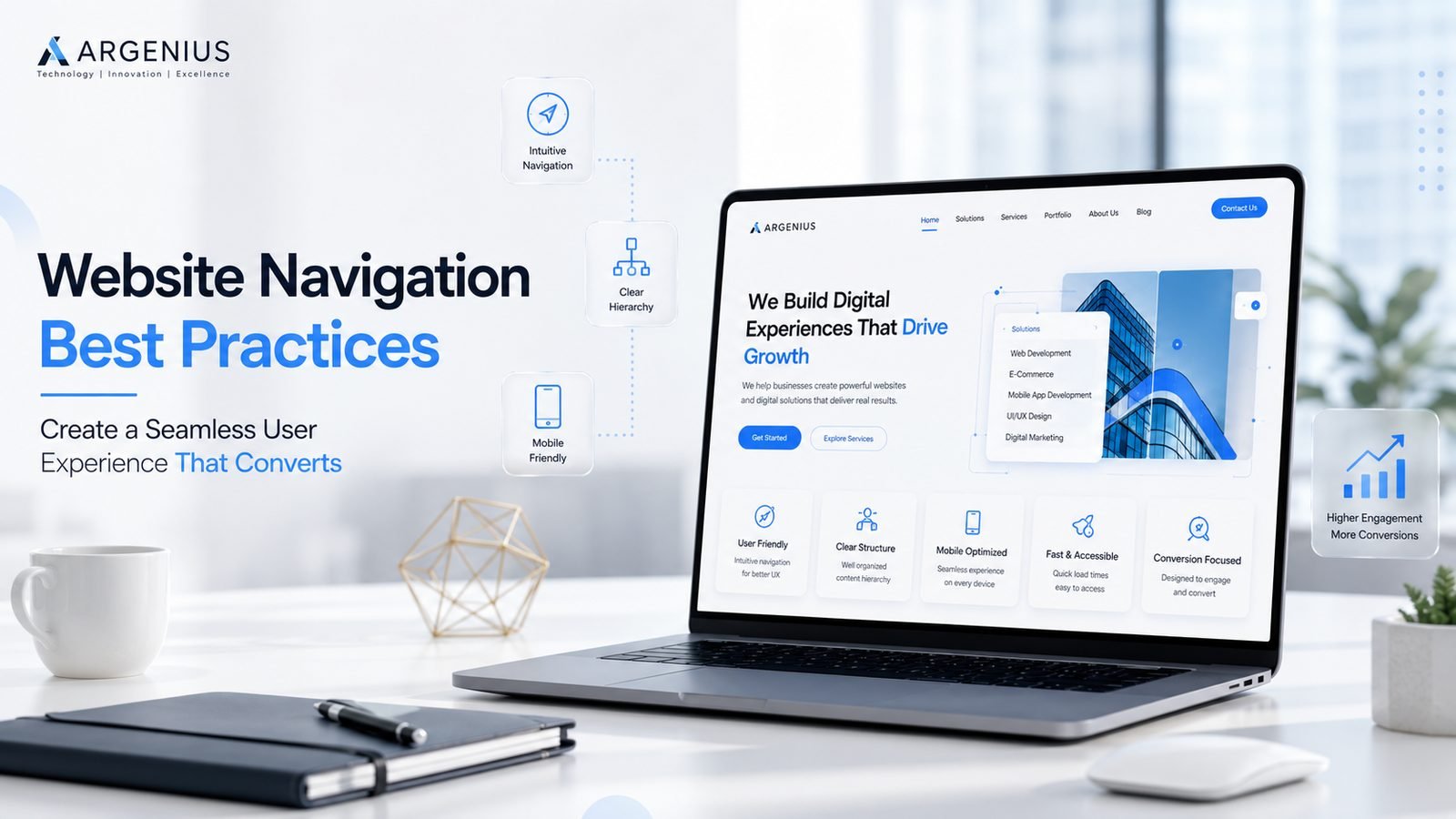
A well-structured website navigation helps visitors find information faster, improves user experience, and supports better SEO. Discover practical website navigation best practices from Argenius.
Why Website Navigation Is One of the Most Important Parts of UX
Imagine walking into a large shopping mall where there are no signboards, no directions, and no way to find the stores you're looking for. Most people would leave within minutes. The same thing happens when visitors land on a website with confusing navigation. Even if your website has excellent content or attractive visuals, users won't stay if they struggle to find the information they need.
Website navigation acts as a roadmap that guides visitors through your content. It helps users understand where they are, where they can go next, and how quickly they can achieve their goal. Whether someone wants to explore your services, read a blog, request a quote, or contact your business, navigation should make the journey simple and intuitive.
At Argenius, we believe that great website navigation is about reducing friction. Every click should feel natural, every menu should have a purpose, and every page should help users move closer to the information or action they are looking for.
What Is Website Navigation?
Website navigation is the system of menus, links, buttons, and page structures that allows visitors to move through your website. It includes the main navigation menu, footer links, breadcrumbs, internal links, search functionality, and mobile navigation.
Good navigation is not about adding more menu items. It is about organizing information in a way that feels logical and easy to understand. Visitors should never feel lost or confused while browsing your website.
A well-planned navigation system benefits both users and search engines by improving usability, crawlability, and content discovery.
Why Good Navigation Improves User Experience
A visitor should never have to think too hard about where to click next. When navigation is clear, people can focus on your content instead of trying to figure out how your website works.
Effective navigation helps users:
- Find information quickly
- Explore related content
- Complete tasks with fewer clicks
- Stay on the website longer
- Build confidence in your business
This creates a positive experience that encourages engagement and increases the likelihood of conversions.
Keep the Main Menu Simple
One of the biggest navigation mistakes is trying to include every page in the main menu. Too many options overwhelm visitors and make it harder to locate important pages.
Instead, prioritize the pages that matter most, such as:
- Home
- About Us
- Services
- Portfolio
- Blog
- Contact
If your website contains many pages, organize them into logical categories or dropdown menus instead of displaying everything at once.
A clean menu creates a more professional appearance and improves usability.
Use Clear and Familiar Menu Labels
Navigation labels should be easy to understand.
Avoid creative or confusing names that force users to guess what each page contains.
For example:
- Services
- Pricing
- Contact
- Blog
- Case Studies
- FAQs
are much easier to understand than vague labels.
Using familiar terminology reduces confusion and helps visitors find information faster.
Design Navigation for Mobile Users
Today, most visitors browse websites using smartphones. Navigation that works perfectly on desktop may become difficult to use on smaller screens.
A mobile-friendly navigation should include:
- A simple hamburger menu
- Large touch-friendly buttons
- Clear spacing between links
- Easy scrolling
- Quick access to important pages
At Argenius, every website we develop follows a mobile-first approach, ensuring navigation remains intuitive across all devices.
Make Important Pages Easy to Reach
Visitors should be able to reach essential information without clicking through multiple layers of menus.
Try to keep important pages within two or three clicks from the homepage.
Frequently visited pages include:
- Contact
- Services
- Pricing
- About
- Portfolio
Reducing the number of steps helps improve both user experience and conversions.
Add a Search Function for Larger Websites
If your website contains dozens or hundreds of pages, a search bar becomes an essential navigation tool.
Visitors often prefer searching directly instead of browsing through menus.
An effective search feature should:
- Return relevant results
- Display results quickly
- Suggest matching pages
- Support common search terms
Search functionality is especially valuable for blogs, eCommerce websites, educational platforms, and knowledge bases.
Use Breadcrumb Navigation
Breadcrumbs show visitors where they are within your website's structure.
For example:
Home > Services > Website Development > Custom Website Design
Breadcrumbs help users navigate back to broader categories without repeatedly using the browser's back button.
They also provide additional context for search engines.
Build Strong Internal Linking
Navigation is not limited to menus.
Internal links placed naturally within your content guide visitors toward related pages and encourage them to continue exploring your website.
For example, if you're discussing website speed, you can link to related articles about responsive design, UX, or SEO.
At Argenius, we use strategic internal linking to improve content discovery, strengthen topical authority, and create a smoother browsing experience.
Maintain Consistent Navigation Across Every Page
Visitors should never have to relearn navigation after moving to another page.
Consistency includes:
- Same menu placement
- Same navigation style
- Same button design
- Same footer links
- Same visual hierarchy
Consistency builds familiarity and reduces cognitive effort.
Highlight the Current Page
Users should always know where they are within your website.
Highlighting the active menu item helps visitors understand their current location and navigate more confidently.
This simple improvement creates a smoother browsing experience.
Optimize Navigation for SEO
Navigation also affects how search engines crawl and understand your website.
A logical website structure helps search engines:
- Discover new pages
- Understand page relationships
- Pass authority through internal links
- Improve indexing
Simple navigation benefits both visitors and SEO performance.
Avoid Common Navigation Mistakes
Many websites create unnecessary frustration by making navigation more complicated than it needs to be.
Avoid these mistakes:
- Too many menu items
- Hidden navigation
- Broken links
- Inconsistent menus
- Poor mobile usability
- Confusing labels
- Excessive dropdown levels
- Missing search on large websites
Removing these issues improves both usability and visitor satisfaction.
Test Navigation with Real Users
Even experienced designers can overlook navigation problems.
Watching real users interact with your website often reveals areas where visitors hesitate, become confused, or abandon important tasks.
Testing should include:
- Desktop users
- Mobile users
- Tablet users
- First-time visitors
Continuous testing leads to continuous improvement.
Why Businesses Choose Argenius for UX-Focused Website Development
At Argenius, we understand that website navigation is one of the most important factors influencing user experience and conversions. Our websites are designed with clear information architecture, responsive navigation, intuitive layouts, and SEO-friendly structures that help visitors find information quickly and complete their goals with confidence.
Rather than creating complicated menus, we focus on designing user journeys that feel natural, logical, and aligned with your business objectives. Whether you're building a service website, an eCommerce platform, or a custom web application, our navigation strategies are built to improve usability and long-term engagement.
Final Thoughts
Website navigation is much more than a menu at the top of the page. It is one of the core elements that determines how visitors experience your website. Clear navigation helps users find information faster, improves engagement, supports SEO, and increases the likelihood of conversions.
By simplifying menus, maintaining consistency, optimizing for mobile devices, strengthening internal linking, and regularly testing usability, businesses can create websites that are easier to use and more effective at achieving their goals.
At Argenius, we combine user experience research, modern design principles, and technical expertise to build websites with intuitive navigation systems that help businesses create better digital experiences and stronger customer relationships.
Frequently Asked Questions
Why is website navigation important?
Website navigation helps visitors find information quickly, improves user experience, and supports better search engine crawling and indexing.
How many menu items should a website have?
Most business websites perform well with five to seven primary navigation items, depending on the amount of content and services offered.
Does website navigation affect SEO?
Yes. A clear navigation structure helps search engines understand your website hierarchy, improves crawlability, and supports stronger internal linking.
What is breadcrumb navigation?
Breadcrumbs display a user's location within the website hierarchy, making it easier to navigate back to broader categories.
Can Argenius improve my website navigation?
Yes. At Argenius, we analyze your website structure, user behavior, and business goals to create intuitive navigation systems that improve usability, engagement, and conversions.