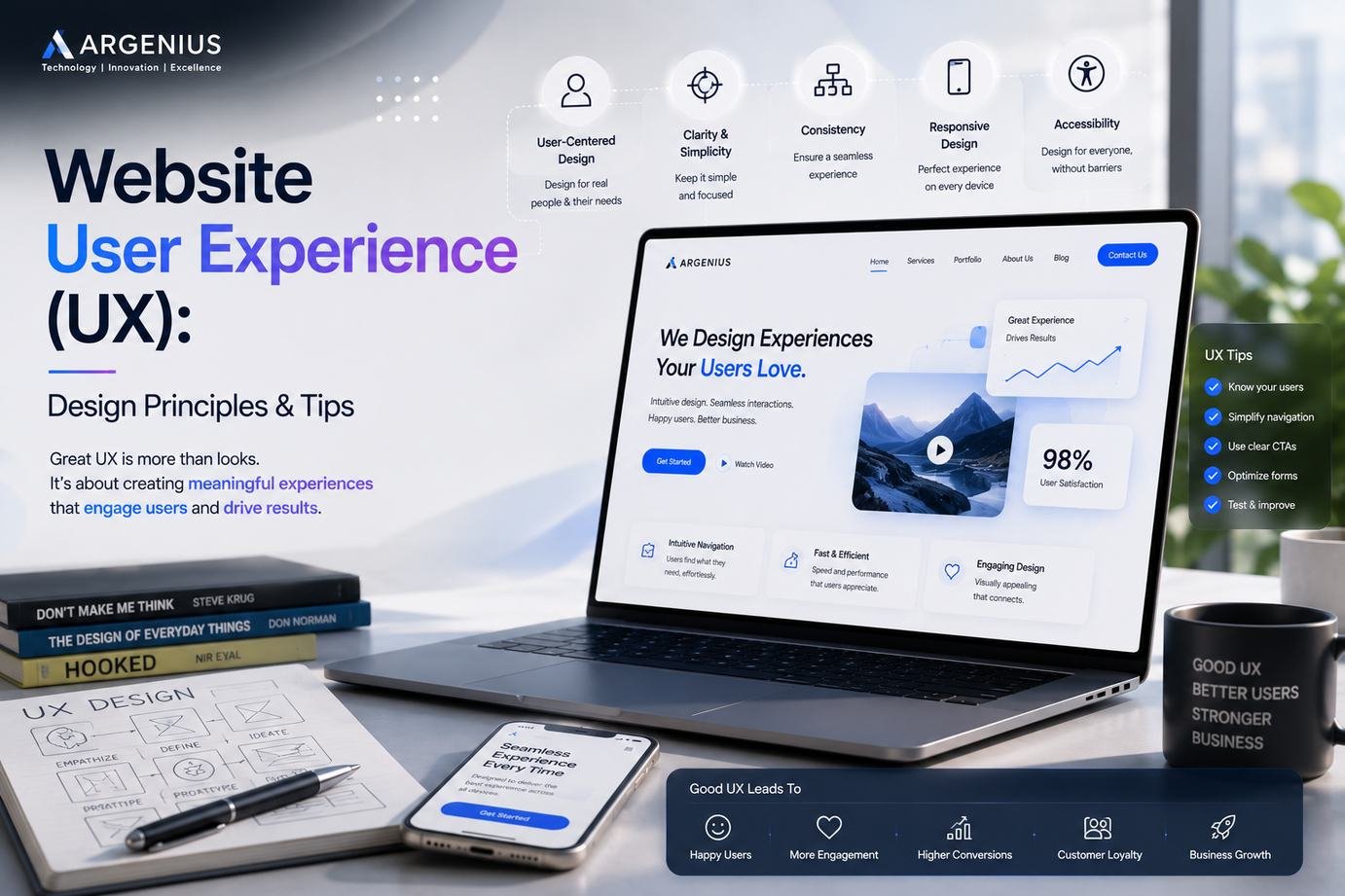
A great website is more than attractive visuals—it delivers an effortless experience for every visitor. Learn the essential UX design principles and practical tips from Argenius to improve usability, engagement, and conversions.
Why User Experience Matters More Than Ever
Creating a beautiful website is only one part of building a successful online presence. The real challenge begins when visitors start interacting with your website. If they struggle to find information, pages take too long to load, or navigation feels confusing, most users will leave without taking any action. In today's competitive digital landscape, businesses cannot rely on attractive visuals alone. A website must provide a smooth, intuitive, and enjoyable experience from the moment someone lands on the homepage.
User Experience, commonly known as UX, focuses on how visitors interact with your website. Every button, menu, image, form, and page contributes to the overall experience. A positive experience builds trust, encourages visitors to stay longer, and increases the chances of turning them into customers.
At Argenius, we believe that great website design is not about adding more features—it's about making every interaction simple, meaningful, and user-focused. Businesses that invest in user experience often see better engagement, stronger customer relationships, and improved conversion rates.
What Is Website User Experience (UX)?
Website User Experience refers to the overall feeling and satisfaction visitors have while using a website. It combines design, functionality, accessibility, speed, navigation, readability, and usability into one complete experience.
A good UX design helps users achieve their goals quickly without confusion or frustration. Whether someone wants to purchase a product, book a service, read a blog, or contact your business, the journey should feel natural and effortless.
Unlike visual design, which focuses on appearance, UX design focuses on solving user problems. It asks questions such as:
- Can visitors easily find what they're looking for?
- Is the website easy to navigate?
- Does every page load quickly?
- Is the design consistent?
- Can users complete tasks without unnecessary steps?
Answering these questions helps create websites that people genuinely enjoy using.
Understand Your Users Before Designing
One of the biggest mistakes businesses make is designing websites based only on personal preferences instead of user needs. Successful UX starts with understanding your audience.
Think about who will visit your website. What information are they searching for? What devices are they using? What challenges might they face? Understanding these details helps create a design that serves real users rather than assumptions.
At Argenius, every website project begins by understanding business goals and user expectations. This approach ensures that every design decision supports both customer satisfaction and business growth.
Keep Navigation Simple and Clear
Navigation acts as the roadmap of your website. If visitors cannot find important pages within a few seconds, they are likely to leave.
A well-designed navigation menu should be easy to understand, logically organized, and consistent across the website.
Good navigation includes:
- Clear menu labels
- Limited top-level menu items
- Visible contact information
- Search functionality when needed
- Logical page hierarchy
- Consistent navigation on every page
Simple navigation reduces frustration and encourages users to explore more content.
Prioritize Mobile Responsiveness
Most website visitors now browse using smartphones and tablets. A website that works perfectly on desktop but performs poorly on mobile devices creates a disappointing experience.
Responsive design automatically adjusts layouts, images, typography, and navigation for different screen sizes.
Mobile-friendly UX should include:
- Readable text
- Touch-friendly buttons
- Fast loading pages
- Flexible layouts
- Easy scrolling
- Proper spacing between clickable elements
Google also considers mobile usability when evaluating websites, making responsive design beneficial for both users and SEO.
Improve Website Loading Speed
Even the best-designed website loses visitors if it loads slowly.
Users expect pages to appear almost instantly. Delays of only a few seconds can increase bounce rates and reduce conversions.
Ways to improve loading speed include:
- Compressing images
- Using browser caching
- Optimizing code
- Choosing quality hosting
- Reducing unnecessary scripts
- Using a Content Delivery Network (CDN)
A faster website creates a smoother experience while improving search engine visibility.
Make Content Easy to Read
Visitors rarely read every word on a webpage. Instead, they scan headings, paragraphs, and highlighted information.
Good readability improves user engagement.
Best practices include:
- Short paragraphs
- Clear headings
- Bullet points
- Consistent typography
- Sufficient spacing
- High color contrast
Content should answer questions quickly without overwhelming readers.
Create Clear Call-to-Action Buttons
Every business website should guide visitors toward a specific action.
Whether it's requesting a quote, booking a consultation, contacting your team, or purchasing a product, users should always know what to do next.
Effective call-to-action buttons are:
- Clearly visible
- Action-oriented
- Easy to understand
- Consistently placed
- Designed with sufficient contrast
Instead of generic labels like "Click Here," use meaningful text such as "Request a Free Consultation" or "Get Started Today."
Maintain Consistent Design
Consistency creates familiarity and trust.
Every page should follow the same visual language, including colors, typography, buttons, spacing, and layout.
Consistent design helps users learn how your website works without having to relearn navigation on every page.
A unified experience also strengthens your brand identity.
Build Trust Through Transparency
Trust plays a major role in user experience.
Visitors feel more confident when they can easily find:
- Contact information
- Business address
- Privacy policy
- Testimonials
- Client reviews
- Security indicators
- Company details
Displaying this information clearly reassures users that they are interacting with a legitimate business.
Reduce Unnecessary Complexity
One common UX mistake is adding too many features, animations, or pop-ups.
While these elements may appear impressive, they often distract users from their primary goals.
Focus on simplicity.
Remove unnecessary steps, minimize distractions, and keep forms as short as possible.
The easier it is for visitors to complete tasks, the more likely they are to become customers.
Accessibility Should Never Be Ignored
A good website should be usable by everyone, including people with disabilities.
Accessibility improvements include:
- Descriptive image alt text
- Keyboard navigation
- Readable font sizes
- High color contrast
- Proper heading structure
- Screen reader compatibility
Accessible websites create better experiences for all visitors while supporting broader compliance standards.
Test Your Website Regularly
User experience is not something you design once and forget.
Regular testing helps identify issues before they affect visitors.
Review your website on different:
- Browsers
- Smartphones
- Tablets
- Desktop devices
- Screen sizes
Also monitor analytics to understand where users leave your website or experience difficulties.
Continuous improvement leads to better long-term performance.
Common UX Mistakes to Avoid
Many websites unintentionally create poor user experiences through avoidable mistakes.
Some common examples include:
- Slow loading pages
- Cluttered layouts
- Confusing navigation
- Small clickable buttons
- Too many pop-ups
- Poor mobile optimization
- Inconsistent design
- Long forms
- Broken links
Identifying and fixing these issues can significantly improve user satisfaction.
Why Businesses Choose Argenius for UX-Focused Website Development
A successful website combines attractive design with practical usability. At Argenius, we focus on creating websites that not only look professional but also deliver meaningful experiences for users. Our design process emphasizes intuitive navigation, responsive layouts, fast performance, accessibility, and conversion-focused user journeys.
Rather than following temporary design trends, we create websites that are easy to use, simple to maintain, and capable of supporting long-term business growth. Every project is planned with both user expectations and business objectives in mind, ensuring the final website performs well for visitors and search engines alike.
Final Thoughts
A great user experience is one of the most valuable investments you can make in your website. Visitors remember how easy your website was to use long after they forget individual design elements. By focusing on simplicity, responsiveness, readability, performance, and accessibility, businesses can build websites that earn trust, improve engagement, and encourage conversions.
Whether you're launching a new website or redesigning an existing one, prioritizing UX will benefit your users and your business for years to come. At Argenius, we help businesses create user-focused websites that combine modern design with practical functionality, ensuring every visitor enjoys a seamless online experience.
Frequently Asked Questions
What is website user experience (UX)?
Website UX refers to how users interact with and feel about your website. It focuses on usability, accessibility, navigation, speed, and overall satisfaction.
Why is UX important for SEO?
A positive user experience encourages visitors to stay longer, explore more pages, and engage with your content. These behaviors support better website performance and can contribute to stronger search visibility.
What's the difference between UI and UX?
UI (User Interface) focuses on the visual elements such as buttons, colors, and layouts, while UX (User Experience) focuses on how easy and enjoyable it is for users to complete tasks on the website.
How can I improve my website's UX?
Improve navigation, optimize loading speed, make your website mobile-friendly, simplify forms, create clear call-to-action buttons, and regularly test your website on different devices.
Can Argenius help redesign an existing website?
Yes. At Argenius, we help businesses improve existing websites by enhancing user experience, performance, responsiveness, and overall usability while keeping business goals at the center of the design process.