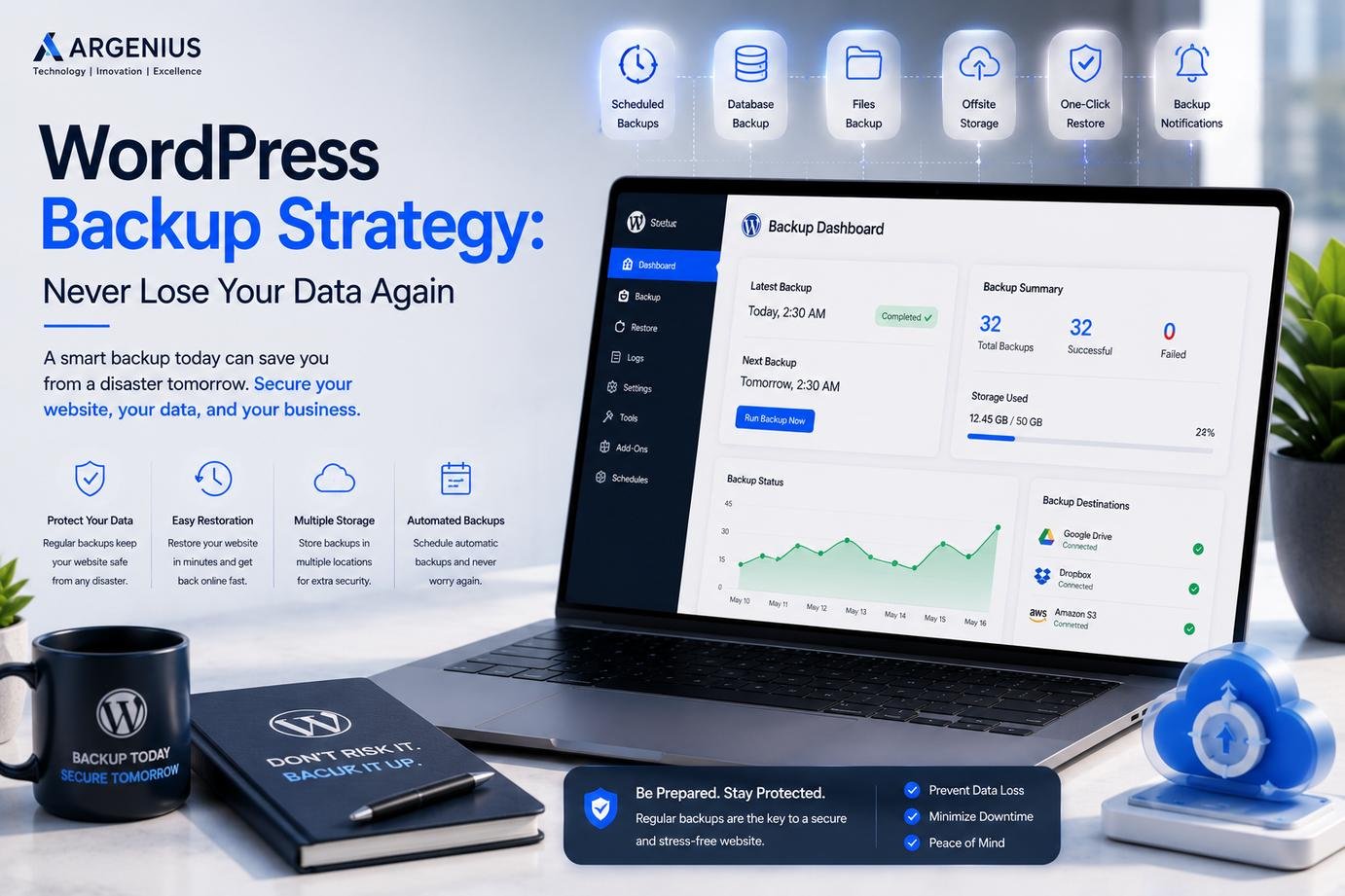
A reliable WordPress backup strategy protects your website from accidental data loss, hacking, server failures, and technical issues. Learn how to back up your website the right way with this complete guide.
Why Every WordPress Website Needs a Backup Strategy
Imagine waking up one morning only to discover that your website has disappeared. Your pages are gone, customer inquiries are missing, blog posts have vanished, and years of hard work seem impossible to recover. Unfortunately, this situation is more common than many website owners realize.
Data can be lost for many reasons. A plugin update may fail, a server could experience hardware issues, a cyberattack might compromise your files, or someone on your team could accidentally delete important content. Without a reliable backup strategy, recovering from these incidents can be extremely difficult—or even impossible.
A backup is more than just a copy of your website. It is your safety net. It allows you to restore your website quickly and continue serving your customers with minimal disruption. At Argenius, we always recommend that every business website include an automated backup plan as part of its regular maintenance routine because prevention is far less expensive than recovery.
What Is a WordPress Backup?
A WordPress backup is a complete copy of your website that can be restored whenever something goes wrong.
A proper backup includes:
- WordPress files
- Themes
- Plugins
- Images and media files
- Database
- Website settings
- User information
- Contact forms
- Orders and customer data (for eCommerce websites)
When these components are backed up together, your website can be restored to a previous working version without rebuilding everything from scratch.
Why Websites Lose Data
Many website owners assume that data loss only happens after a hacker attacks a website. In reality, there are many situations that can result in lost files or corrupted databases.
Some of the most common causes include:
- Failed plugin updates
- Theme conflicts
- Malware infections
- Server crashes
- Hosting migration errors
- Human mistakes
- Database corruption
- Accidental file deletion
- Hardware failures
- Website hacking
Because these situations can happen unexpectedly, waiting until a problem occurs is never the right strategy.
Why Automatic Backups Are Better Than Manual Backups
Manual backups can work for small websites that rarely change, but they rely on remembering to perform backups regularly.
Business websites are constantly updated with:
- New blog posts
- Customer inquiries
- Product information
- Orders
- Testimonials
- Images
- Landing pages
Automatic backups ensure your latest data is protected without depending on manual processes. This reduces the risk of forgetting an important backup before making major website changes.
How Often Should You Back Up Your Website?
The ideal backup schedule depends on how frequently your website changes.
A business website that publishes new content every week can usually benefit from daily automated backups.
For eCommerce websites or websites receiving customer orders throughout the day, more frequent backups may be necessary to minimize potential data loss.
At Argenius, we recommend reviewing your website activity and creating a backup schedule that matches your business needs instead of using a one-size-fits-all approach.
Where Should You Store Website Backups?
One of the biggest mistakes website owners make is storing backups on the same server as the live website.
If the server experiences a failure, both your website and its backup may be lost.
A better approach is to store backup copies in separate secure locations such as:
- Cloud storage
- External storage devices
- Secure remote servers
- Managed backup services
Keeping multiple backup copies significantly improves disaster recovery.
Test Your Backups Regularly
Creating backups is only part of the process.
You should also verify that they can actually be restored.
Many businesses discover backup problems only after an emergency occurs, when it's already too late.
Testing backups periodically ensures that your recovery process works correctly and that important website data hasn't been corrupted.
Protect Backups with Strong Security
Website backups often contain sensitive information, including customer records, administrator accounts, and database content.
For this reason, backups should receive the same level of protection as the live website.
Good practices include:
- Encrypting backup files
- Restricting access
- Using secure cloud storage
- Limiting administrator permissions
- Keeping backup credentials separate
A secure backup is only useful if unauthorized users cannot access it.
Common Backup Mistakes to Avoid
Many businesses create backups but still struggle to recover websites because of poor backup practices.
Avoid these common mistakes:
- Never testing backups
- Storing backups only on the hosting server
- Forgetting database backups
- Running manual backups inconsistently
- Keeping only one backup copy
- Ignoring backup notifications
- Not backing up before updates
Following a structured backup process dramatically reduces these risks.
WordPress Backup Best Practices
A strong backup strategy should include:
- Automated backups
- Multiple backup locations
- Scheduled backup testing
- Backup encryption
- Version history
- Database backups
- File backups
- Backup monitoring
These best practices help ensure your website can be restored quickly after unexpected problems.
Why Backups Matter for Business Websites
A business website is often much more than an online brochure.
It may contain:
- Customer inquiries
- Appointment bookings
- Sales records
- Blog articles
- Marketing pages
- User accounts
- Product catalogs
Losing this information can interrupt business operations, reduce customer trust, and require significant time to rebuild.
A reliable backup strategy protects not only your website but also your business continuity.
Backup and Website Maintenance Go Together
Backups should never be treated as an isolated task.
They are one important part of an overall website maintenance strategy that also includes:
- Software updates
- Security monitoring
- Malware scanning
- Performance optimization
- Database cleanup
- Uptime monitoring
At Argenius, backup management is included as part of our professional WordPress maintenance process because every website deserves complete protection—not just occasional backups.
Why Businesses Choose Argenius
Managing website backups requires consistency, planning, and technical knowledge. Many business owners simply don't have the time to monitor backup schedules, verify restore points, or troubleshoot recovery issues.
At Argenius, we help businesses create reliable WordPress backup strategies tailored to their website's activity and growth. Our team ensures that backups are automated, securely stored, regularly tested, and integrated into a complete website maintenance plan. This proactive approach minimizes downtime and helps businesses recover quickly if unexpected issues occur.
Final Thoughts
A website represents months or even years of work. Losing that data because of a preventable mistake can have serious consequences for any business.
A well-planned WordPress backup strategy provides peace of mind by ensuring your website can be restored quickly after technical failures, security incidents, or accidental errors. Combined with regular maintenance, updates, and monitoring, backups become one of the most valuable investments you can make in your website.
At Argenius, we believe website protection begins long before something goes wrong. Our goal is to help businesses build secure, reliable WordPress websites backed by professional maintenance and dependable backup solutions that support long-term success.
Frequently Asked Questions
Why is a WordPress backup important?
A backup protects your website against data loss caused by hacking, server failures, software issues, or accidental mistakes, allowing you to restore your website quickly.
How often should I back up my WordPress website?
The ideal frequency depends on how often your website changes. Business websites generally benefit from daily automated backups, while high-traffic or eCommerce websites may require more frequent backups.
Are hosting backups enough?
Hosting backups are useful, but relying only on them is not recommended. Keeping additional backups in secure external locations provides greater protection.
What should a WordPress backup include?
A complete backup should contain your website files, database, media library, themes, plugins, configuration files, and user data.
Can backups improve website security?
Backups don't prevent attacks, but they allow you to recover quickly if your website is compromised, reducing downtime and potential business losses.