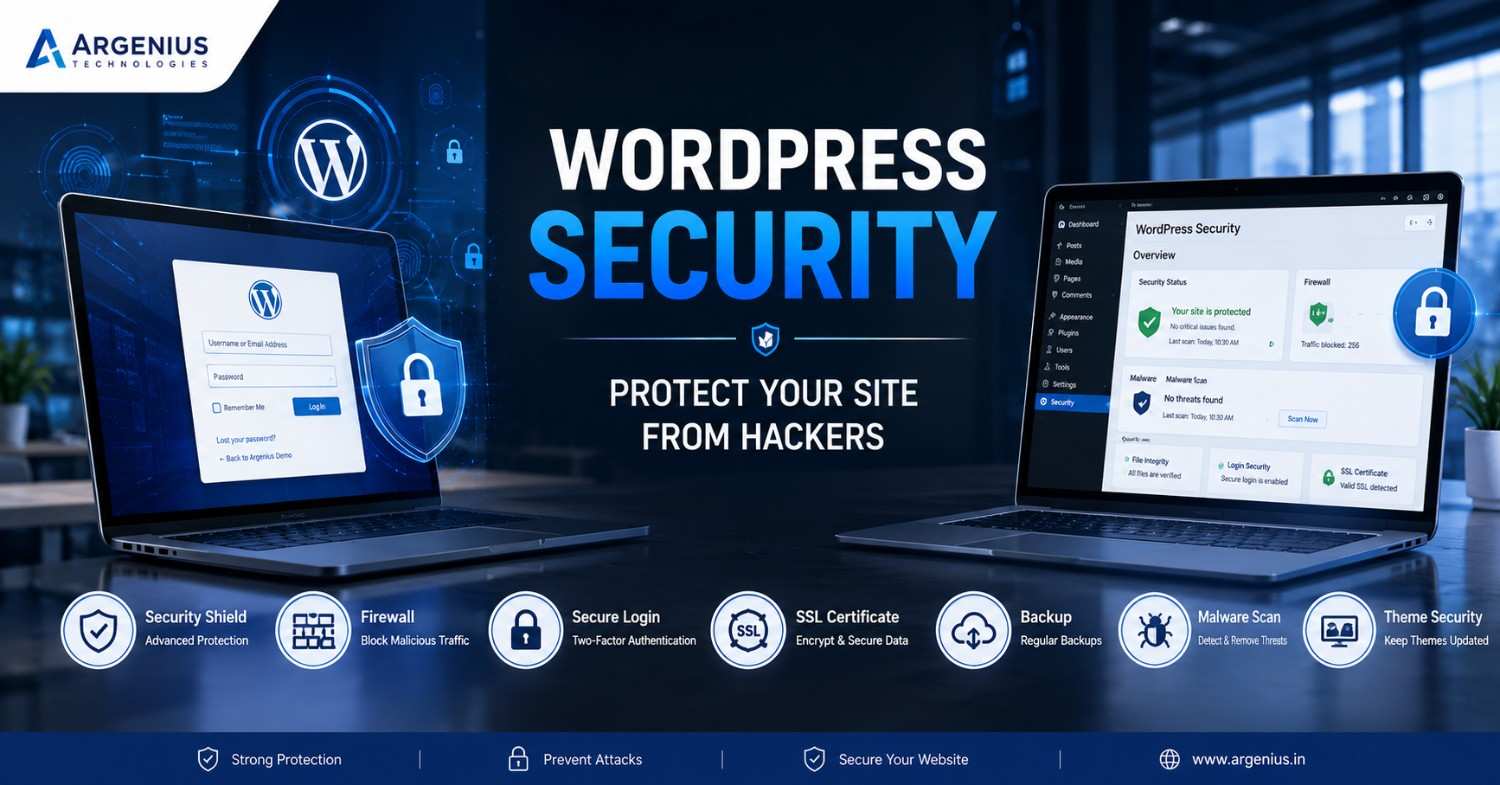
Protecting your WordPress website is essential for maintaining customer trust and business continuity. Learn the most effective WordPress security best practices to prevent hacking attempts, malware, and unauthorized access.
Why WordPress Security Should Be Your First Priority
Building a WordPress website is only the first step. Keeping it secure is equally important. Every day, thousands of WordPress websites face attacks from bots, malware, brute-force login attempts, and hackers looking for vulnerabilities. Many website owners assume that only large companies become targets, but in reality, small business websites are attacked just as frequently because they often have weaker security.
A hacked website can lead to data loss, downtime, poor search engine rankings, and a damaged reputation. In some cases, visitors may even see browser warnings that your website is unsafe, making it difficult to regain their trust.
The good news is that most security incidents can be prevented by following a few proven best practices. Whether you run a business website, an online store, or a personal blog, strengthening your WordPress security should always be a priority.
Understanding Common WordPress Security Risks
Before protecting your website, it's important to understand where the risks come from. Most successful attacks don't happen because WordPress itself is insecure. Instead, they occur because websites are not maintained properly.
Some of the most common security threats include:
- Weak administrator passwords
- Outdated WordPress versions
- Vulnerable plugins and themes
- Malware infections
- Brute-force login attacks
- SQL injection attempts
- Cross-site scripting (XSS)
- Unsecured hosting environments
- Poor user permission management
Knowing these risks makes it much easier to build an effective security strategy.
Keep WordPress, Themes, and Plugins Updated
One of the simplest yet most effective ways to secure your website is to keep everything updated.
Developers regularly release updates to fix bugs, improve performance, and patch newly discovered security vulnerabilities. Delaying updates leaves your website exposed to attacks that hackers already know how to exploit.
Before updating, create a complete website backup and, if possible, test updates on a staging environment. This approach minimizes the risk of compatibility issues while ensuring your website remains protected.
Use Strong Login Credentials
Many websites are compromised simply because administrators use weak passwords like "admin123" or "password."
A secure password should include:
- Uppercase letters
- Lowercase letters
- Numbers
- Special characters
- At least 12–16 characters
Avoid using the default username admin. Create a unique administrator username that is difficult to guess.
Using a password manager can also help generate and securely store complex passwords.
Enable Two-Factor Authentication (2FA)
Passwords alone are no longer enough to secure online accounts.
Two-Factor Authentication (2FA) adds an additional layer of protection by requiring a verification code after entering your password. Even if someone manages to steal your login credentials, they still won't be able to access your website without the second verification step.
For business websites, enabling 2FA for administrator accounts is one of the most effective security improvements you can make.
Install a Trusted Security Plugin
A quality security plugin continuously monitors your website for suspicious activity and helps block common attacks before they cause damage.
Good security plugins typically provide features such as:
- Malware scanning
- Firewall protection
- Login security
- File change monitoring
- IP blocking
- Security alerts
- Activity logs
Instead of installing multiple security plugins, choose one reliable solution and configure it properly.
Choose Reliable Web Hosting
Your hosting provider plays a major role in your website's security.
A reputable hosting company offers:
- Server-level firewall protection
- Malware scanning
- Daily backups
- DDoS protection
- SSL support
- Automatic security updates
- Secure server configurations
Choosing cheap hosting without proper security measures may save money initially but can become expensive if your website is compromised.
Always Use an SSL Certificate
An SSL certificate encrypts the communication between your website and its visitors.
When SSL is enabled, your website uses HTTPS instead of HTTP. This protects sensitive information such as login credentials, contact form submissions, and payment details from being intercepted.
Search engines also consider HTTPS an important trust signal, making SSL beneficial for both security and SEO.
Limit Login Attempts
Hackers often use automated bots to repeatedly guess passwords.
Limiting login attempts helps stop brute-force attacks by temporarily blocking repeated failed login attempts.
This simple security measure significantly reduces the chances of unauthorized access and protects your administrator accounts.
Perform Regular Website Backups
No security system is perfect.
Even well-protected websites should have reliable backups in case something goes wrong.
A complete backup should include:
- Website files
- Database
- Media uploads
- Configuration files
Store backups in multiple secure locations instead of keeping them only on the same hosting server.
Having a recent backup can dramatically reduce downtime if your website ever experiences an attack or technical failure.
Remove Unused Themes and Plugins
Inactive plugins and themes may still contain security vulnerabilities.
If you no longer use a plugin or theme, remove it completely instead of simply deactivating it.
Keeping only the tools your website actually needs reduces the number of potential entry points for attackers.
Manage User Roles Carefully
Not every team member requires administrator access.
WordPress offers different user roles, including:
- Administrator
- Editor
- Author
- Contributor
- Subscriber
Assign only the permissions required for each person's responsibilities. Limiting administrative access reduces the risk of accidental changes and unauthorized actions.
Monitor Website Activity
Keeping an eye on website activity helps identify suspicious behavior before it becomes a serious problem.
Monitor important events such as:
- New user registrations
- Failed login attempts
- Plugin installations
- Theme changes
- File modifications
- Administrator logins
Early detection allows you to respond quickly if unusual activity occurs.
Protect Your wp-admin Area
The WordPress admin dashboard is one of the most targeted areas during attacks.
Additional protection measures include:
- Restricting access by IP address where possible
- Using CAPTCHA on the login page
- Changing the default login URL if appropriate
- Enabling automatic logout after inactivity
These small improvements make unauthorized access significantly more difficult.
Scan Your Website for Malware Regularly
Malware doesn't always show obvious signs.
Sometimes hackers quietly inject malicious code that sends spam emails, redirects visitors, or steals sensitive information without the website owner noticing.
Regular malware scanning helps identify these hidden threats before they cause serious damage.
Businesses should schedule security scans regularly rather than waiting until problems appear.
Security Best Practices for Business Websites
Business websites often collect customer information through forms, payments, bookings, or user accounts. Because of this, they require stronger protection than personal blogs.
For business websites, it's recommended to:
- Keep all software updated
- Use professional hosting
- Enable daily backups
- Activate Two-Factor Authentication
- Install a trusted security plugin
- Monitor activity logs regularly
- Restrict administrator access
- Review user permissions periodically
- Use HTTPS across the entire website
- Perform routine security audits
Following these practices greatly reduces the likelihood of security breaches.
Common Security Mistakes to Avoid
Many WordPress security issues result from avoidable mistakes.
Some of the most common include:
- Ignoring update notifications
- Installing plugins from untrusted sources
- Using pirated premium themes or plugins
- Sharing administrator accounts
- Weak passwords
- No backup strategy
- Using outdated PHP versions
- Leaving unused plugins installed
Avoiding these mistakes can significantly improve your website's overall security.
Final Thoughts
WordPress is a powerful and reliable platform, but its security depends on how well it is maintained. Most attacks succeed because websites are neglected, not because WordPress itself is unsafe.
By keeping your website updated, using strong authentication, choosing reliable hosting, maintaining regular backups, and following proven security practices, you can greatly reduce the risk of cyberattacks.
Security should never be viewed as a one-time task. It requires regular monitoring, updates, and ongoing attention. Investing a little time in preventive maintenance today can save your business from costly downtime and data loss in the future.
At Argenius, we help businesses build and maintain secure WordPress websites with a strong focus on performance, reliability, and long-term protection. From website development to ongoing maintenance and security optimization, our team ensures your website stays safe while delivering an excellent experience for your visitors.
Frequently Asked Questions
Is WordPress secure enough for business websites?
Yes. WordPress is secure when it is properly maintained, updated regularly, and protected with strong security practices.
How often should I update WordPress?
Check for updates weekly and apply them after creating a backup or testing them in a staging environment.
Do I really need a security plugin?
A trusted security plugin adds valuable protection by monitoring your website, blocking suspicious activity, and detecting malware.
Can a small business website be hacked?
Yes. Small websites are common targets because attackers often assume they have weaker security measures.
What is the most important WordPress security practice?
Keeping WordPress core, themes, and plugins updated—combined with strong passwords, secure hosting, and regular backups—is one of the most effective ways to protect your website.