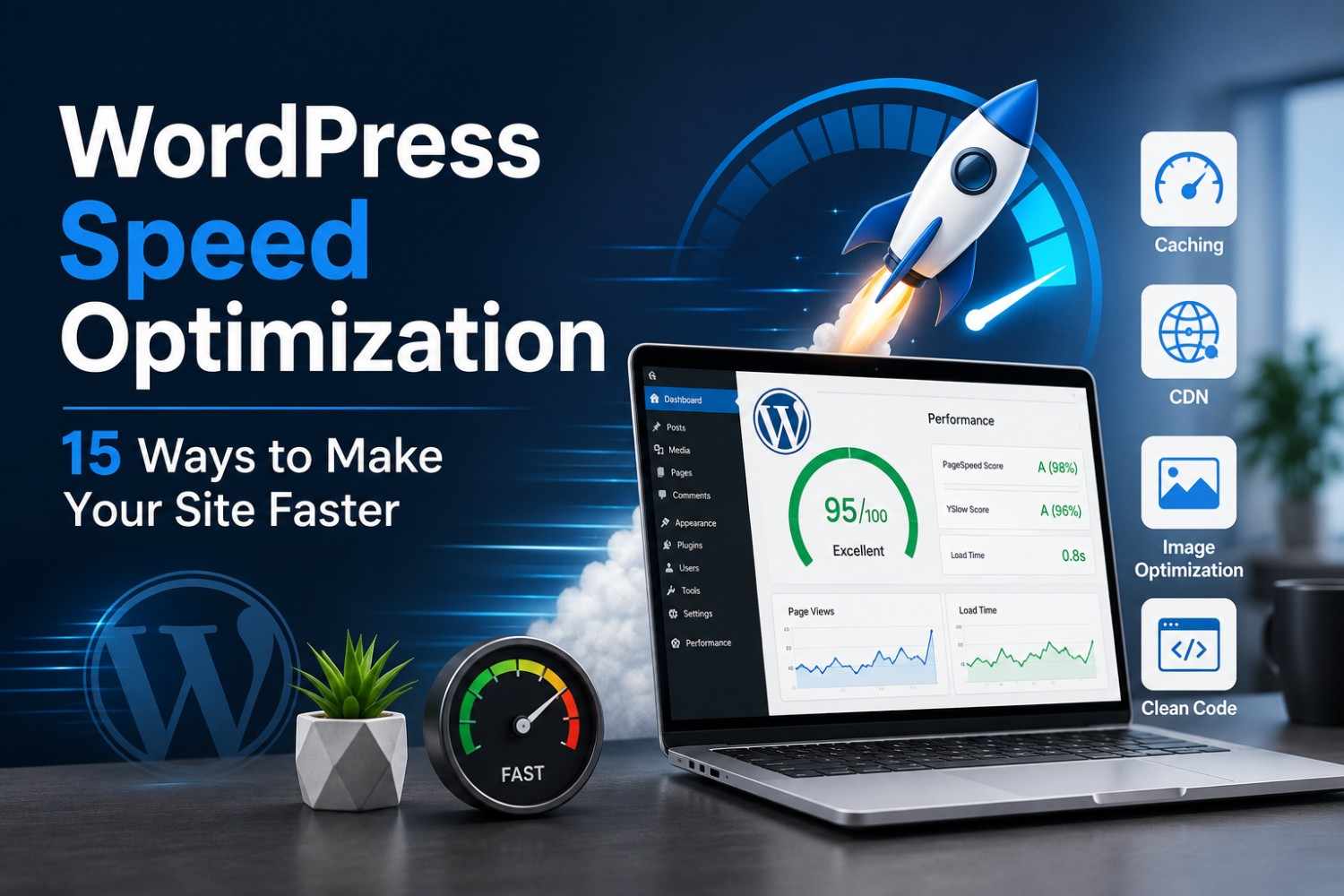
A slow WordPress website can reduce traffic, lower search rankings, and affect conversions. Discover 15 practical WordPress speed optimization techniques that improve website performance, user experience, and SEO.
Why Website Speed Matters More Than Ever
When people visit your website, they expect pages to load almost instantly. If a page takes too long to appear, many visitors leave before they even see your content. This doesn't just affect user experience—it also impacts search rankings, lead generation, and online sales.
Website speed has become one of the most important ranking signals because search engines want to recommend websites that provide a smooth experience. Faster websites usually have lower bounce rates, longer session durations, and better conversion rates.
For businesses using WordPress, improving website speed isn't about making one small change. It involves optimizing several areas that work together to deliver a faster browsing experience.
In this guide, you'll learn 15 practical ways to improve your WordPress website's performance without compromising design or functionality.
1. Choose High-Performance Web Hosting
Your hosting provider forms the foundation of your website's speed.
Even a perfectly optimized website can feel slow if it's hosted on an overloaded or poorly configured server.
Look for hosting that offers:
- SSD or NVMe storage
- Server-level caching
- Latest PHP version
- HTTP/2 or HTTP/3 support
- Free SSL
- CDN compatibility
Good hosting improves both performance and reliability.
2. Use a Lightweight WordPress Theme
Many themes include animations, sliders, and unnecessary scripts that increase loading time.
Instead, choose a clean, lightweight theme that focuses on performance while still providing professional design flexibility.
A well-coded theme reduces unnecessary CSS and JavaScript, helping pages load much faster.
3. Optimize Images Before Uploading
Large images are one of the biggest reasons websites become slow.
Before uploading images:
- Resize them appropriately.
- Compress them without noticeable quality loss.
- Use modern formats like WebP whenever possible.
- Avoid uploading images directly from cameras or smartphones without optimization.
Smaller image sizes mean faster page loading and a better experience for visitors.
4. Enable Browser Caching
Browser caching stores frequently used website files on a visitor's device.
When users return to your website, their browser doesn't need to download the same files again, resulting in significantly faster loading times.
Caching is one of the easiest ways to improve repeat visitor performance.
5. Install a Reliable Caching Plugin
Caching plugins generate static versions of your pages instead of rebuilding them every time someone visits.
Benefits include:
- Faster page loading
- Reduced server load
- Better handling of traffic spikes
- Improved Core Web Vitals
Choose a trusted caching solution and configure it carefully to avoid conflicts.
6. Minify CSS, JavaScript, and HTML
Every website loads multiple CSS and JavaScript files.
Removing unnecessary spaces, comments, and unused code reduces file sizes, allowing browsers to download resources more quickly.
Minification is a simple optimization that contributes to faster page rendering.
7. Reduce Unnecessary Plugins
Installing too many plugins can increase HTTP requests, database queries, and server load.
Review your installed plugins regularly.
Remove plugins that:
- Are no longer used
- Duplicate existing functionality
- Haven't been updated for a long time
A smaller plugin footprint often results in a faster website.
8. Use a Content Delivery Network (CDN)
A CDN stores copies of your website across multiple global servers.
Instead of loading files from a single location, visitors receive content from the server closest to them.
This reduces latency and improves loading speed for users around the world.
9. Keep WordPress Updated
Updates don't just add features—they also improve performance.
Always keep your:
- WordPress Core
- Themes
- Plugins
- PHP Version
updated to benefit from speed improvements and security patches.
10. Optimize Your Database
Over time, WordPress databases accumulate unnecessary information such as revisions, spam comments, expired transients, and temporary data.
Cleaning your database regularly helps reduce query times and keeps your website running efficiently.
11. Enable Lazy Loading
Lazy loading delays the loading of images and videos until users scroll to them.
Instead of downloading everything immediately, only visible content loads first.
This reduces the initial page size and significantly improves loading speed.
12. Reduce HTTP Requests
Every font, image, stylesheet, and script creates an additional request.
Reducing unnecessary files helps browsers load pages more efficiently.
Simple improvements include:
- Removing unused fonts
- Limiting external scripts
- Combining CSS files where appropriate
- Eliminating unnecessary widgets
13. Optimize Fonts
Custom fonts improve design but may slow down your website.
Best practices include:
- Using fewer font families
- Limiting font weights
- Loading only required character sets
- Using system fonts when appropriate
Optimized typography improves both speed and visual consistency.
14. Monitor Core Web Vitals
Google evaluates websites using Core Web Vitals, which measure loading performance, responsiveness, and visual stability.
Regularly monitoring these metrics helps identify performance issues before they affect search rankings.
Focus on improving:
- Largest Contentful Paint (LCP)
- Interaction to Next Paint (INP)
- Cumulative Layout Shift (CLS)
15. Perform Regular Performance Audits
Website optimization isn't something you do once and forget.
As you add new pages, plugins, images, or features, performance can gradually decline.
Schedule regular audits to identify opportunities for improvement and maintain a consistently fast website.
Common Mistakes That Slow Down WordPress
Many websites become slower because of avoidable mistakes.
Some common examples include:
- Uploading oversized images
- Installing too many plugins
- Choosing heavy themes
- Ignoring updates
- Using cheap hosting
- Loading unnecessary scripts
- Embedding too many third-party tools
- Not using caching
Avoiding these mistakes can improve your website without major redevelopment.
Why Speed Matters for SEO
Website speed affects much more than user satisfaction.
A fast website can:
- Improve search rankings
- Increase visitor engagement
- Reduce bounce rates
- Improve conversion rates
- Enhance mobile experience
- Support Core Web Vitals
- Increase customer trust
Search engines prefer websites that deliver valuable content quickly and consistently.
Final Thoughts
WordPress speed optimization isn't about chasing perfect benchmark scores—it's about creating a fast, reliable experience for your visitors.
By improving hosting, optimizing images, enabling caching, reducing unnecessary plugins, and monitoring performance regularly, you can build a website that performs well for both users and search engines.
Small improvements made consistently often produce better long-term results than relying on a single optimization technique.
At Argenius, we help businesses optimize WordPress websites for speed, SEO, and overall performance. Whether you're launching a new website or improving an existing one, our team focuses on creating fast, secure, and scalable websites that deliver an exceptional user experience.
Frequently Asked Questions
Why is my WordPress website slow?
Common reasons include poor hosting, oversized images, excessive plugins, unoptimized themes, outdated software, and a lack of caching.
Does website speed affect SEO?
Yes. Website speed influences user experience, Core Web Vitals, and search rankings, making it an important factor in SEO.
How often should I optimize my WordPress website?
Review your website's performance regularly, especially after installing new plugins, adding features, or making design changes.
Is image optimization really necessary?
Absolutely. Large image files are one of the biggest causes of slow-loading websites. Compressing and resizing images can significantly improve page speed.
Can I improve WordPress speed without changing my design?
Yes. Many optimizations, such as caching, database cleanup, code minification, and better hosting, improve performance without affecting your website's appearance.