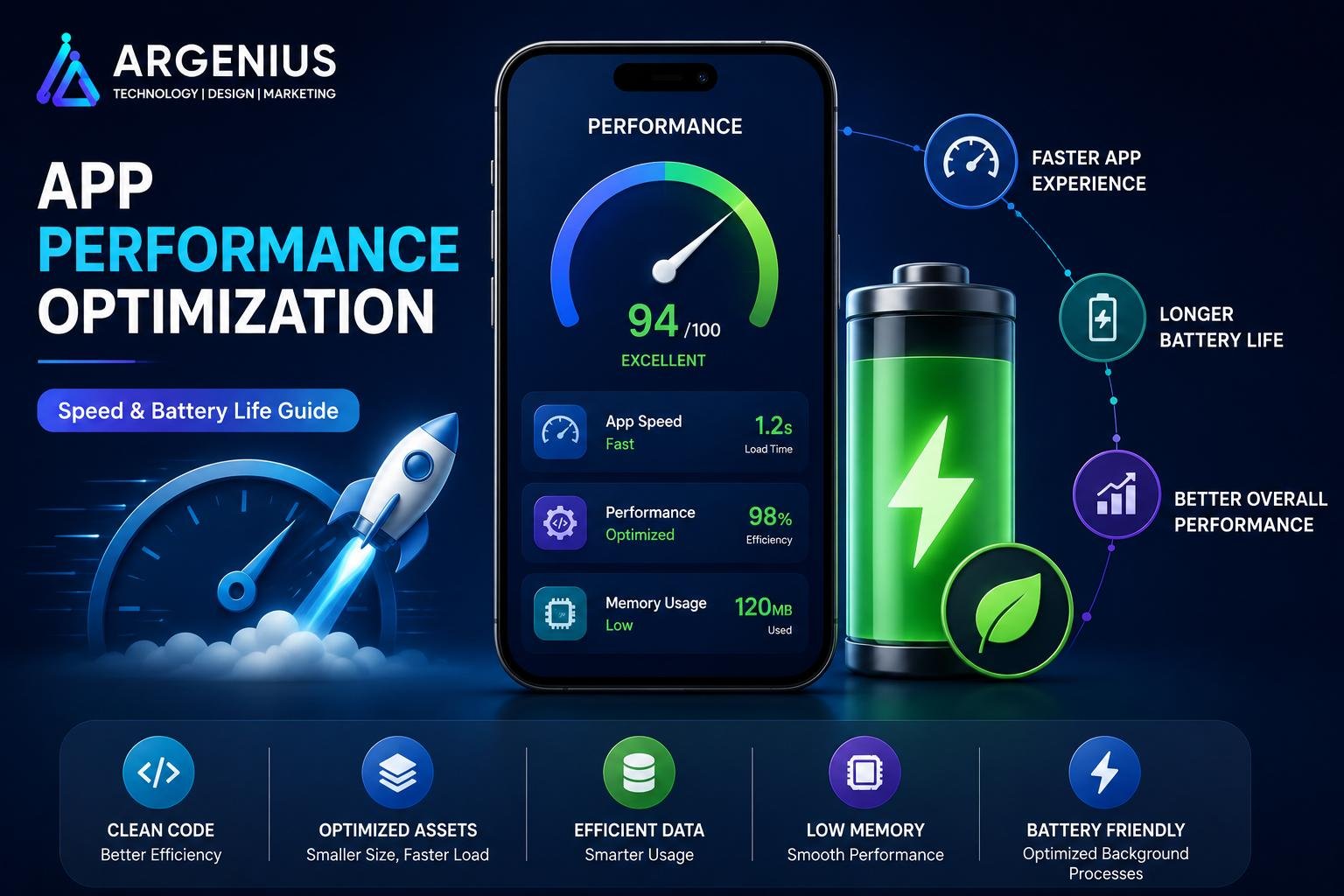
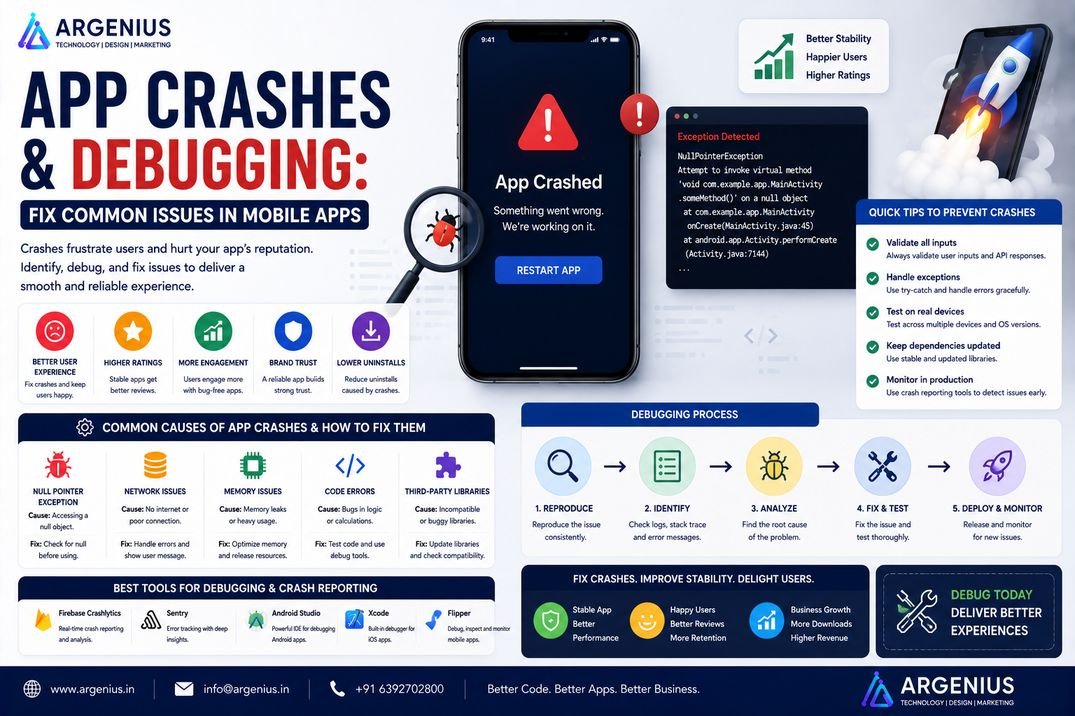
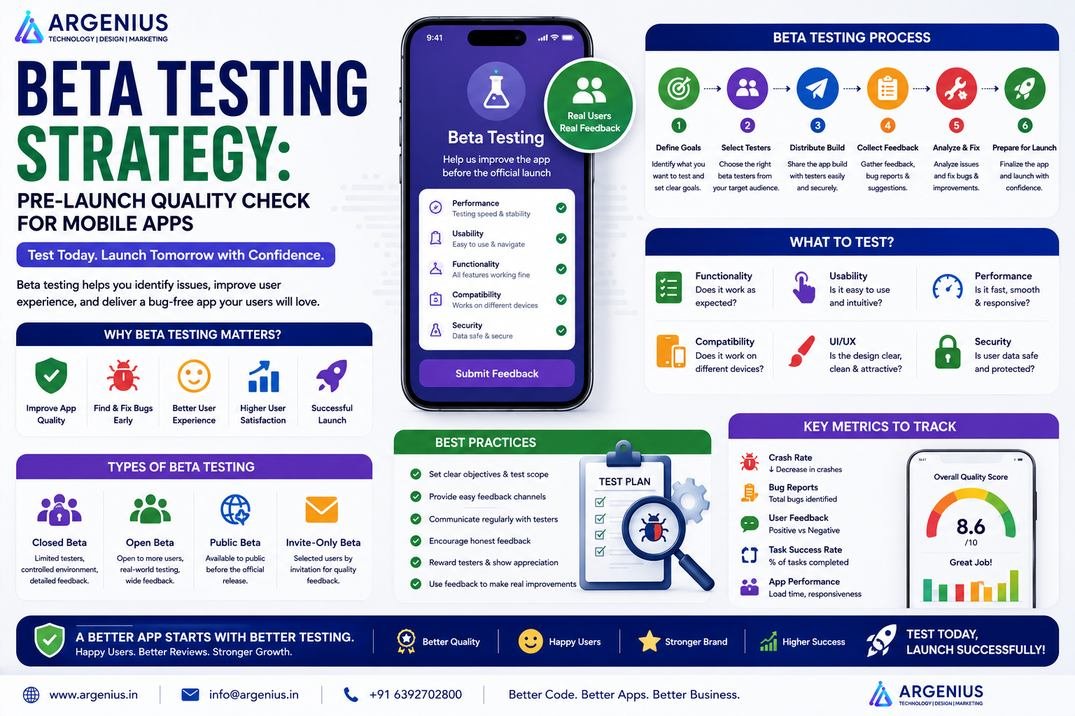
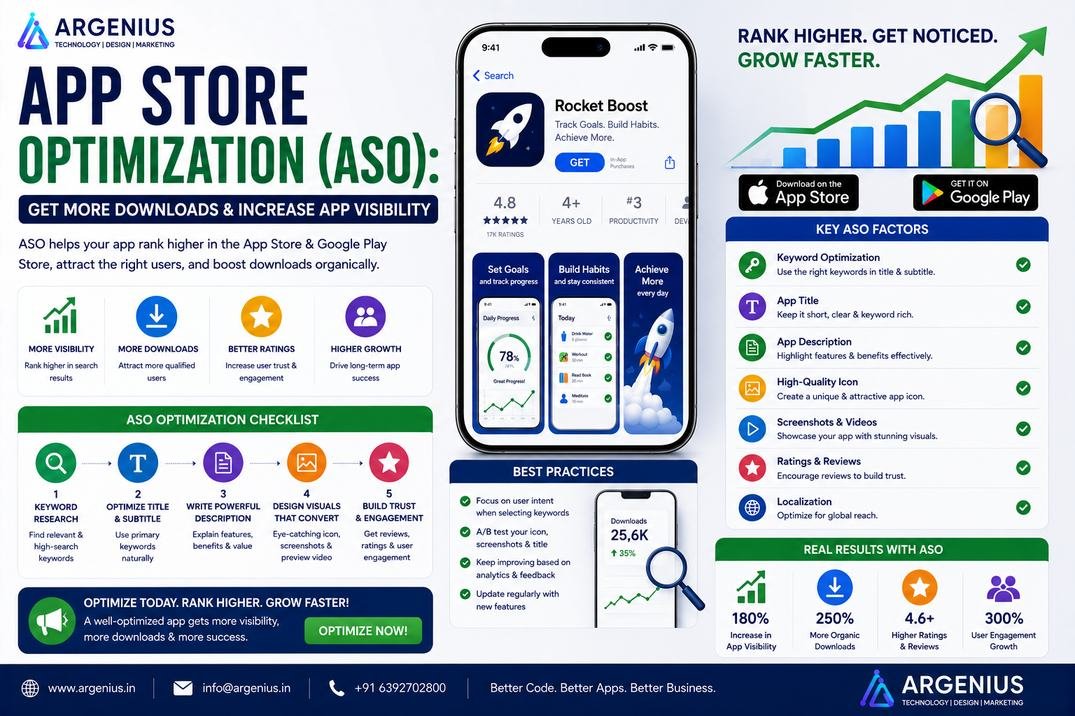
A fast and battery-efficient mobile app keeps users engaged and improves retention. This comprehensive guide explains how to optimize app speed, reduce battery usage, improve responsiveness, and deliver a seamless user experience across Android and iOS devices.
When users install a mobile app, they expect it to open instantly, respond smoothly, and work efficiently without draining their battery. Unfortunately, many applications fail to meet these expectations. Slow loading screens, laggy animations, frequent freezes, excessive battery consumption, and overheating devices can quickly frustrate users and lead to poor reviews or app uninstalls.
Performance optimization is no longer just an optional improvement—it is a critical part of modern mobile app development. A well-optimized application delivers a faster, smoother, and more reliable experience while consuming fewer device resources. Whether it's an eCommerce platform handling thousands of products, a banking app processing secure transactions, or a social media application displaying rich media content, performance directly impacts user satisfaction and business success.
Poor optimization affects more than just speed. It can increase server costs, reduce battery life, consume excessive mobile data, and make the application unstable on lower-end devices. Businesses that ignore performance often experience lower engagement, reduced retention, and negative app store ratings.
Performance optimization involves improving every aspect of an application, including startup time, memory usage, CPU utilization, network requests, database operations, image loading, animations, background processes, and battery efficiency. Even small improvements in these areas can significantly enhance the overall user experience.
In this guide, you'll learn how mobile app performance optimization works, the factors that affect speed and battery life, optimization techniques, recommended tools, best practices, and strategies for building fast and efficient mobile applications.
At Argenius, performance optimization is integrated into every stage of app development to ensure applications remain fast, responsive, and energy-efficient across Android and iOS devices.
What is App Performance Optimization?
App Performance Optimization is the process of improving a mobile application's speed, responsiveness, stability, and resource efficiency.
The goal is to ensure that the app performs consistently across different devices while minimizing CPU usage, memory consumption, battery drain, and network overhead.
A well-optimized app provides:
- Faster Loading Times
- Smooth User Experience
- Better Battery Life
- Reduced Memory Usage
- Lower CPU Consumption
- Stable Performance
- Faster Screen Navigation
- Efficient Background Processing
- Improved Network Efficiency
- Higher User Satisfaction
Performance optimization is an ongoing process that continues even after an application is launched.
Why App Performance Matters
Users expect instant responses from modern mobile applications. Studies consistently show that slow apps experience higher abandonment rates and lower engagement.
Optimizing app performance provides several business benefits:
- Better User Experience
- Faster App Launch
- Improved Customer Retention
- Higher App Store Ratings
- Reduced Crash Rates
- Lower Battery Consumption
- Better Device Compatibility
- Increased User Engagement
- Reduced Server Costs
- Higher Conversion Rates
Fast applications create trust and encourage users to spend more time interacting with your product.
Common Performance Issues in Mobile Apps
Many applications experience performance problems because they are not optimized during development.
Common issues include:
- Slow App Startup
- Laggy Animations
- High Memory Usage
- Excessive CPU Utilization
- Battery Drain
- Network Delays
- Frequent Crashes
- Large Image Files
- Slow Database Queries
- Background Process Overload
Identifying these bottlenecks early helps prevent negative user experiences after launch.
Key Areas of Performance Optimization
Improving app performance requires attention to multiple components rather than focusing on a single issue.
Startup Time Optimization
The first impression of an application depends on how quickly it opens.
Techniques include:
- Lazy Loading
- Optimized Splash Screen
- Faster API Initialization
- Reduced Startup Tasks
- Code Splitting
- Efficient Asset Loading
Memory Optimization
Efficient memory management helps prevent crashes and improves stability.
Best practices include:
- Dispose Unused Objects
- Reduce Memory Leaks
- Optimize Image Caching
- Efficient State Management
- Limit Background Memory Usage
- Compress Assets
CPU Optimization
Reducing CPU usage keeps applications responsive and minimizes battery consumption.
Optimization techniques include:
- Minimize Background Tasks
- Avoid Unnecessary Loops
- Optimize Algorithms
- Reduce Heavy Calculations
- Use Asynchronous Processing
- Optimize Rendering
Network Optimization
Slow network communication can significantly affect app performance.
Recommended strategies:
- API Response Caching
- Request Compression
- Pagination
- Lazy Loading
- Reduce API Calls
- CDN Integration
- Efficient Data Synchronization
Image Optimization
Images often account for a large portion of an app's data usage and memory consumption.
Best practices include:
- Image Compression
- WebP Format
- Lazy Loading
- Responsive Images
- Thumbnail Generation
- Image Caching
Animation Optimization
Smooth animations create a premium user experience.
Focus on:
- 60 FPS Rendering
- Hardware Acceleration
- Lightweight Animations
- Reduced Overdraw
- Efficient Transitions
- Optimized Frame Rendering
Battery Optimization Techniques
Battery efficiency has become a major factor in user satisfaction.
Recommended techniques include:
- Reduce Background Services
- Optimize GPS Usage
- Batch Network Requests
- Avoid Wake Locks
- Minimize Push Notification Frequency
- Use Efficient Scheduling
- Reduce Sensor Polling
- Optimize Location Tracking
- Background Task Management
- Smart Synchronization
Efficient battery management helps applications run longer without affecting the overall device experience.
Essential Performance Features
A high-performance mobile application should include:
- Fast Startup Time
- Smooth Navigation
- Optimized Memory Usage
- Efficient Battery Consumption
- Crash Monitoring
- Background Task Optimization
- Offline Caching
- API Optimization
- Efficient Database Access
- Performance Analytics
Industries That Require High Performance
Performance optimization is especially important for:
- eCommerce Applications
- Banking & FinTech
- Healthcare Apps
- Food Delivery Platforms
- Ride Booking Apps
- Gaming Applications
- Social Media Platforms
- Video Streaming Apps
- Enterprise Solutions
- Logistics Applications
These industries depend on speed, reliability, and responsiveness to maintain user trust.
Recommended Technology Stack
Mobile Development
- Flutter
- React Native
- Kotlin
- Swift
Performance Monitoring
- Firebase Performance Monitoring
- Android Profiler
- Xcode Instruments
- Sentry
Analytics
- Firebase Analytics
- Google Analytics
- Crashlytics
Backend
Database
- PostgreSQL
- MySQL
- MongoDB
- SQLite
Caching
- Redis
- Memcached
- Local Storage
Using the right tools allows developers to monitor performance continuously, identify bottlenecks quickly, and deliver consistently fast experiences across Android and iOS devices.