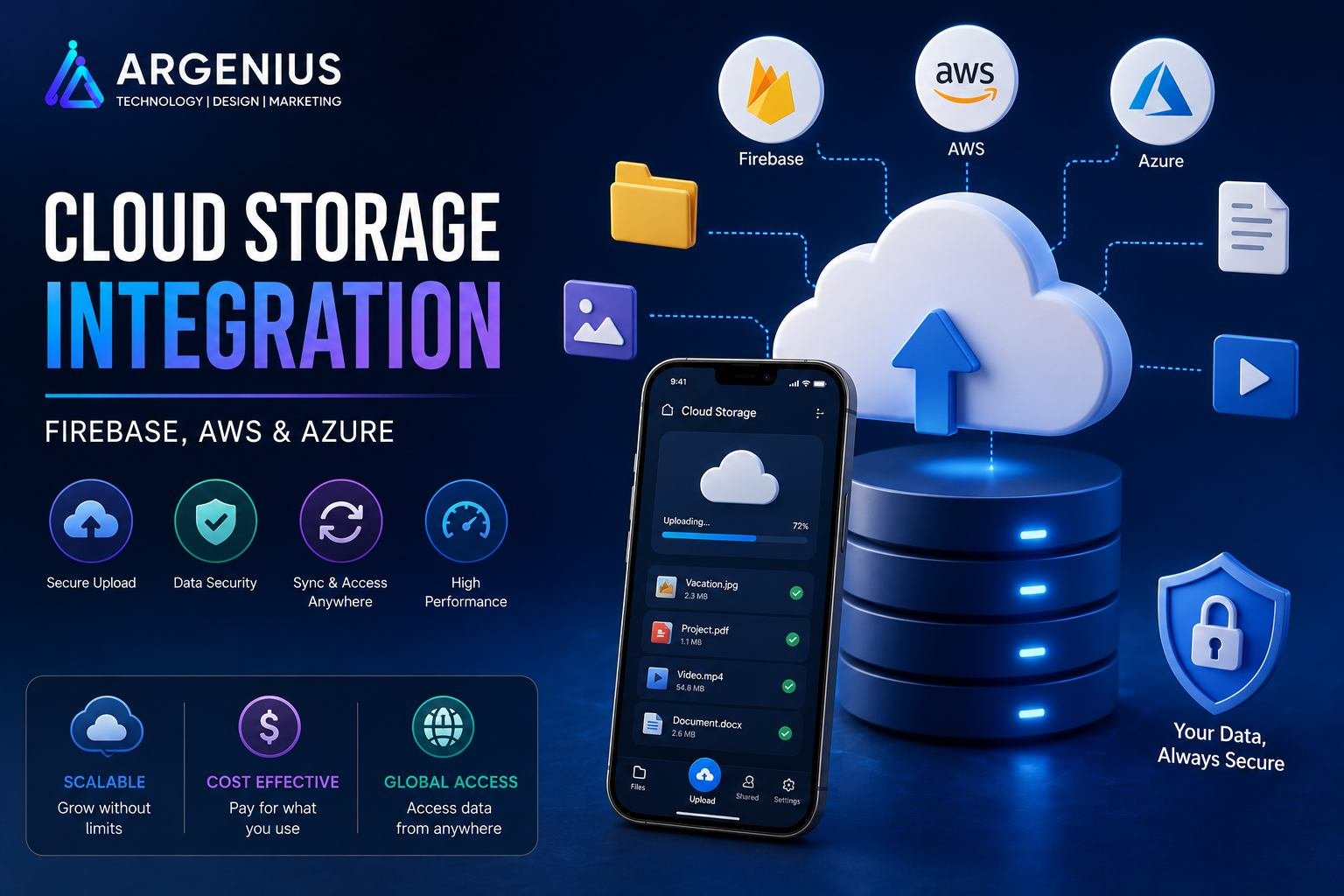
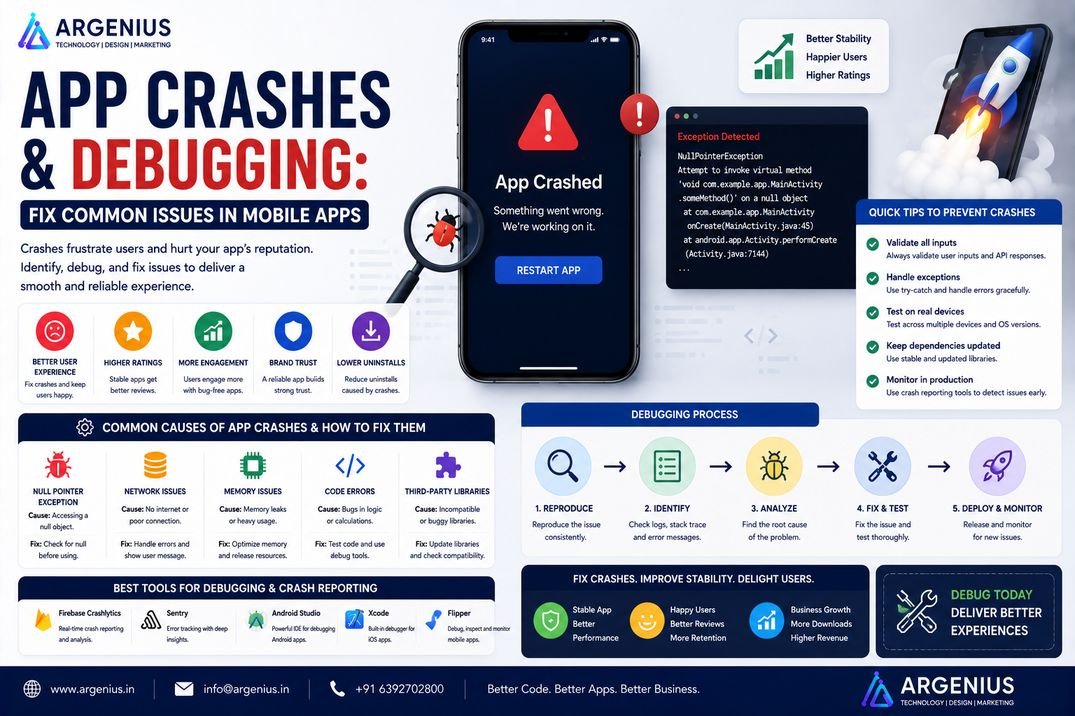
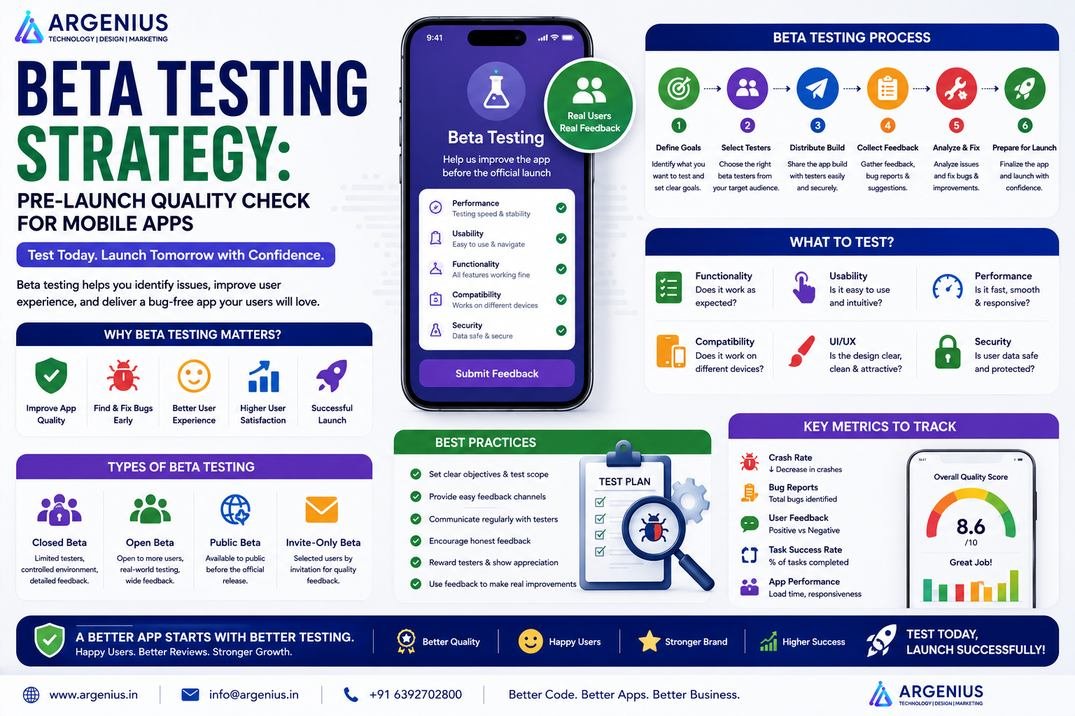
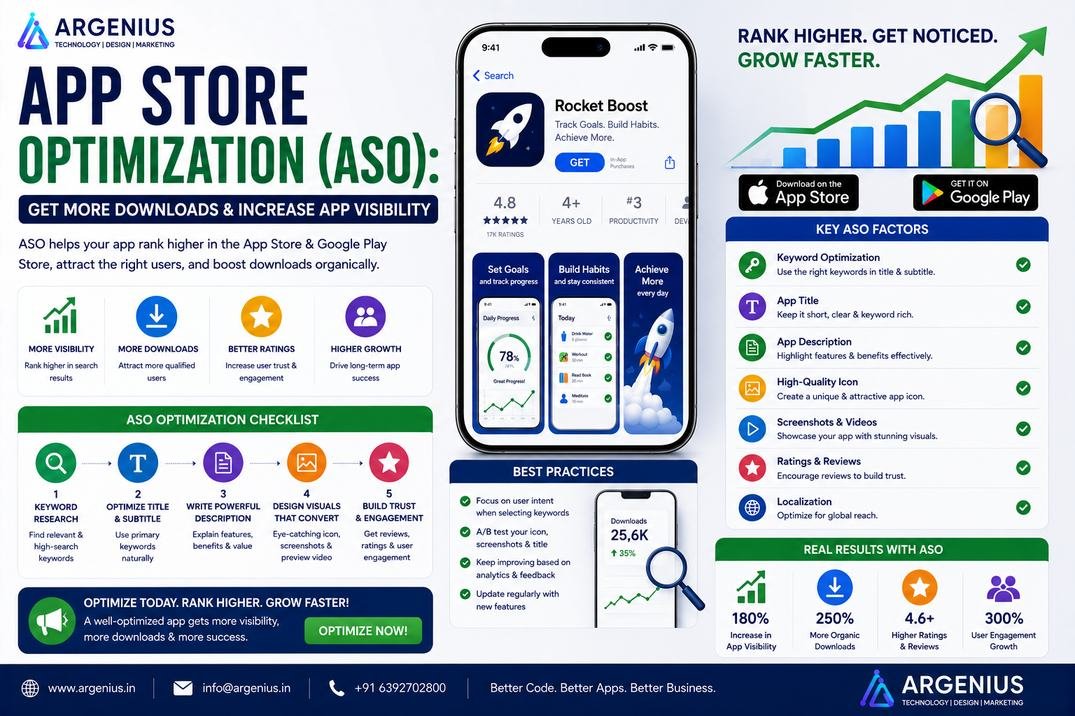
Cloud storage has become an essential part of modern mobile applications. Whether you're uploading profile photos, storing documents, streaming videos, or backing up user data, cloud platforms like Firebase Storage, AWS S3, and Azure Blob Storage provide secure, scalable, and reliable storage solutions. This guide explains everything you need to know about cloud storage integration for mobile applications.
Open almost any app on your phone and you'll notice one thing they all have in common—they store files in the cloud.
The profile picture you upload on Instagram, the documents you save in Google Drive, the images you share on WhatsApp, the invoices generated by a shopping app, or the videos you watch on a learning platform are rarely stored on your device alone. Behind the scenes, they're securely uploaded to cloud storage platforms that keep data available whenever and wherever users need it.
This is why cloud storage has become one of the most important components of modern mobile application development.
Users expect their files to sync automatically across devices, remain available even after changing phones, and load quickly regardless of their location. Businesses, on the other hand, need storage systems that are secure, scalable, cost-effective, and capable of handling millions of uploads without performance issues.
Platforms like Firebase Storage, Amazon Web Services (AWS S3), and Microsoft Azure Blob Storage have made this possible. These services allow developers to upload, manage, secure, and deliver files without worrying about maintaining physical servers or storage infrastructure.
Choosing the right cloud storage solution depends on several factors, including application size, expected traffic, security requirements, budget, and long-term scalability. A startup building an MVP may benefit from Firebase's simplicity, while enterprise applications often prefer AWS or Azure for greater flexibility and infrastructure control.
In this guide, you'll learn everything about Cloud Storage Integration, including how Firebase Storage, AWS S3, and Azure Blob Storage work, where each platform excels, implementation strategies, security practices, technology stacks, and the key factors to consider before integrating cloud storage into your mobile application.
At Argenius, we help businesses build scalable cloud-powered applications that securely manage files, images, videos, documents, and user data while maintaining high performance and reliability.
What is Cloud Storage Integration?
Cloud storage integration is the process of connecting a mobile application with a cloud platform where files and user data can be securely stored, accessed, and managed over the internet.
Instead of saving files only on the user's device or your own server, cloud storage keeps everything in highly available data centers that can be accessed from anywhere.
Typical cloud storage includes:
- Images
- Videos
- Documents
- PDFs
- Audio Files
- User Backups
- Application Logs
- Reports
- Profile Pictures
- Media Files
This approach improves scalability while reducing infrastructure management for developers.
Why Cloud Storage Matters
As mobile applications grow, storing files locally becomes impractical.
Cloud storage offers several important advantages:
- Secure File Storage
- Automatic Scalability
- Faster File Delivery
- Global Accessibility
- Device Synchronization
- Disaster Recovery
- Lower Infrastructure Costs
- Automatic Backups
- High Availability
- Easy Maintenance
For businesses, cloud storage ensures that users can access their files anytime without compromising performance or security.
Popular Cloud Storage Platforms
Several cloud providers offer reliable storage services, but three platforms dominate the mobile app ecosystem.
Firebase Storage
Firebase Storage is Google's cloud storage solution designed specifically for mobile and web applications.
Key features include:
- Easy Integration
- Real-Time Authentication
- Secure File Uploads
- Automatic Scaling
- Offline Support
- Fast CDN Delivery
Firebase is particularly popular among startups, MVPs, and applications built with Flutter or React Native.
Amazon S3 (AWS)
Amazon Simple Storage Service (S3) is one of the world's most trusted cloud storage platforms.
It provides:
- Unlimited Scalability
- High Durability
- Advanced Security
- Multi-Region Storage
- Lifecycle Policies
- Backup & Disaster Recovery
AWS S3 is widely used by enterprise applications, SaaS platforms, streaming services, and high-traffic applications.
Microsoft Azure Blob Storage
Azure Blob Storage is Microsoft's object storage service designed for modern cloud applications.
It offers:
- Secure Object Storage
- Enterprise Integration
- Global Availability
- Role-Based Access
- Backup Services
- Hybrid Cloud Support
Azure is a strong choice for organizations already using Microsoft technologies.
How Cloud Storage Works
Although uploading a file appears simple, several secure processes occur in the background.
A typical workflow includes:
- The user selects a file.
- The mobile app validates the file.
- The backend or SDK authenticates the request.
- The file is uploaded securely to cloud storage.
- A storage URL is generated.
- The URL is saved in the application database.
- The file is retrieved whenever users request it.
This process keeps large files outside the database while ensuring fast and reliable access.
Business Models That Use Cloud Storage
Cloud storage is essential for applications that handle user-generated content or digital assets.
Popular examples include:
- Social Media Apps
- eCommerce Platforms
- Healthcare Apps
- Education Platforms
- Food Delivery Apps
- Taxi Booking Apps
- OTT Streaming Apps
- CRM Applications
- Real Estate Apps
- SaaS Platforms
- Document Management Systems
- Enterprise Applications
Essential User Features
Modern cloud-enabled applications typically provide:
- Secure File Upload
- Image Upload
- Video Upload
- Document Storage
- File Preview
- Download Files
- File Sharing
- Automatic Backup
- Multi-Device Sync
- Offline Access
Admin Features
Administrators need tools to manage storage efficiently.
Important features include:
- File Management Dashboard
- User Storage Reports
- Storage Analytics
- Access Permissions
- Backup Monitoring
- Usage Statistics
- File Recovery
- Security Logs
- Storage Quotas
- Audit Reports
Recommended Technology Stack
Mobile Development
- Flutter
- React Native
- Kotlin
- Swift
Backend
- Laravel
- Node.js
- Django
- Spring Boot
Cloud Storage
- Firebase Storage
- Amazon S3
- Azure Blob Storage
Database
Cloud Infrastructure
- AWS
- Google Cloud
- Microsoft Azure
CDN
- Amazon CloudFront
- Firebase CDN
- Azure CDN
A properly designed cloud architecture ensures fast uploads, reliable downloads, and secure storage for millions of files.
Cloud Storage Integration Process
Integrating cloud storage into a mobile application involves much more than simply uploading files. A well-designed storage system should be secure, scalable, fast, and capable of handling thousands—or even millions—of uploads without affecting performance.
A typical cloud storage implementation follows these steps.
1. Understand Storage Requirements
Before choosing a cloud platform, define exactly what your application needs to store.
Consider questions such as:
- What type of files will users upload?
- How much storage will be required?
- Will files be public or private?
- Is real-time synchronization needed?
- Will users access files from multiple devices?
- Are backup and recovery important?
Clear requirements help you choose the right cloud provider and storage architecture.
2. Choose the Right Cloud Platform
Each cloud provider offers unique strengths.
Choose based on your project requirements:
- Firebase Storage – Best for startups, MVPs, and Firebase-based applications.
- AWS S3 – Best for enterprise applications and large-scale storage.
- Azure Blob Storage – Ideal for organizations using Microsoft Azure services.
3. Configure Authentication
Only authorized users should be able to upload or access files.
Authentication commonly includes:
- Firebase Authentication
- JWT Authentication
- OAuth 2.0
- Role-Based Access Control (RBAC)
- User Permissions
A secure authentication system protects sensitive user data and prevents unauthorized access.
4. Develop File Upload APIs
The backend should securely handle:
- File Upload
- File Download
- File Deletion
- File Renaming
- Metadata Storage
- Storage URL Generation
- Access Validation
Instead of storing files directly in the database, applications usually save only the file URL while keeping the actual file in cloud storage.
5. Test the Storage System
Before deployment, thoroughly test every storage workflow.
Testing should include:
- Image Upload
- Video Upload
- Large File Upload
- Download Speed
- Permission Validation
- Storage Limits
- Offline Scenarios
- Error Handling
6. Deploy & Monitor
After successful testing, deploy the storage solution to production.
Deployment includes:
- Production Storage Buckets
- CDN Configuration
- Monitoring
- Backup Policies
- Logging
- Performance Tracking
Firebase Storage Integration
Firebase Storage is one of the easiest cloud storage solutions for mobile applications.
Typical integration steps include:
- Create a Firebase project.
- Enable Firebase Storage.
- Configure Firebase Authentication.
- Install the Firebase SDK.
- Upload files securely.
- Retrieve download URLs.
- Save URLs in the database.
- Display files inside the app.
- Apply Storage Security Rules.
- Monitor storage usage.
Firebase Storage is an excellent choice for startups, Flutter apps, and applications requiring rapid development.
AWS S3 Integration
Amazon S3 is widely used for enterprise applications that require scalability and long-term reliability.
The integration process generally includes:
- Create an AWS account.
- Create an S3 bucket.
- Configure IAM permissions.
- Generate Access Keys.
- Integrate the AWS SDK.
- Upload files securely.
- Generate secure file URLs.
- Configure bucket policies.
- Enable versioning if required.
- Monitor storage usage.
AWS S3 is ideal for applications handling high traffic, large media libraries, or enterprise workloads.
Azure Blob Storage Integration
Azure Blob Storage is Microsoft's cloud storage solution designed for enterprise applications.
Typical implementation steps include:
- Create an Azure Storage Account
- Create a Blob Container
- Configure Access Policies
- Generate Connection Strings
- Integrate Azure SDK
- Upload Files
- Retrieve Blob URLs
- Configure Security Policies
- Enable Monitoring
- Manage Storage Lifecycle
Azure integrates seamlessly with other Microsoft cloud services, making it a strong choice for organizations already using Azure infrastructure.
File Upload Workflow
Every uploaded file follows a secure processing pipeline.
Typical workflow:
- User selects a file.
- Application validates file size and format.
- Authentication is verified.
- File is uploaded to cloud storage.
- Cloud storage returns a secure URL.
- Backend stores the URL in the database.
- Users can access the file whenever required.
- Permissions control who can view, edit, or delete the file.
This architecture improves performance while reducing database load.
Cloud Storage Architecture
A scalable cloud storage architecture generally consists of:
- Mobile Application
- Authentication Service
- Backend API
- Cloud Storage Platform
- Database
- CDN
- Analytics Service
- Monitoring Tools
Separating file storage from application data improves scalability, reliability, and overall system performance.
Cloud Storage Development Cost (₹ INR)
The cost of cloud storage integration depends on storage volume, security requirements, backend architecture, and third-party integrations.
| Solution Type |
Estimated Cost |
| Basic Cloud Storage Integration |
₹75,000 – ₹2,00,000 |
| Standard File Management System |
₹2,00,000 – ₹5,00,000 |
| Enterprise Cloud Storage Platform |
₹5,00,000 – ₹15,00,000 |
| Large-Scale Multi-Cloud Solution |
₹15,00,000+ (Custom Pricing) |
Factors Affecting Cost
Development cost depends on:
- Storage Volume
- File Types
- Security Requirements
- CDN Integration
- Multi-Region Storage
- Backup Systems
- User Permissions
- Cloud Provider
- Analytics Dashboard
- Long-Term Maintenance
Security Best Practices
Cloud storage should always be designed with security as a priority.
Recommended practices include:
- HTTPS Communication
- File Encryption
- Role-Based Access Control
- Secure Authentication
- Temporary Signed URLs
- File Validation
- Malware Scanning
- Automatic Backups
- Audit Logs
- Regular Security Reviews
Never expose cloud storage credentials directly inside the mobile application.
Common Challenges
Cloud storage implementation can present several technical challenges.
Common issues include:
- Slow Upload Speeds
- Large File Handling
- Network Interruptions
- Storage Cost Optimization
- Permission Errors
- Duplicate Files
- CDN Configuration
- File Version Management
- Data Recovery
- Multi-Region Synchronization
Proper architecture and testing help minimize these problems.
Firebase vs AWS S3 vs Azure Blob Storage
| Feature |
Firebase Storage |
AWS S3 |
Azure Blob Storage |
| Ease of Setup |
⭐⭐⭐⭐⭐ |
⭐⭐⭐ |
⭐⭐⭐ |
| Scalability |
High |
Excellent |
Excellent |
| Enterprise Features |
Moderate |
Excellent |
Excellent |
| Real-Time Integration |
Excellent |
Moderate |
Moderate |
| Security |
Strong |
Excellent |
Excellent |
| Pricing Flexibility |
Good |
Excellent |
Excellent |
| Best For |
Startups & MVPs |
Enterprise Apps |
Microsoft Ecosystem |
If you're building an MVP or Flutter application, Firebase Storage offers the fastest setup. For enterprise systems handling large volumes of data, AWS S3 and Azure Blob Storage provide greater flexibility, scalability, and advanced management features.
Benefits of Cloud Storage Integration
Cloud storage provides significant advantages for businesses and users alike.
Key benefits include:
- Secure File Management
- Faster File Access
- Automatic Scalability
- Reduced Server Maintenance
- Global Accessibility
- Disaster Recovery
- Improved Application Performance
- Multi-Device Synchronization
- Cost-Effective Infrastructure
- Business Growth Support
These advantages make cloud storage an essential part of modern mobile application development.
Future Trends
Cloud storage continues to evolve with new technologies and changing business needs.
Emerging trends include:
- AI-Based File Classification
- Intelligent Storage Optimization
- Edge Computing
- Multi-Cloud Deployments
- Serverless Storage Architectures
- Zero-Trust Security Models
- Automated Backup & Recovery
- Real-Time Media Processing
- Green Cloud Infrastructure
- Predictive Storage Analytics
Businesses that embrace these innovations can build faster, more secure, and highly scalable applications.
Why Businesses Choose Argenius
At Argenius, we build cloud-powered applications that are secure, scalable, and designed for long-term growth.
Our cloud storage expertise includes:
- Firebase Storage Integration
- AWS S3 Integration
- Azure Blob Storage Integration
- Secure File Upload Systems
- Image & Video Management
- Document Storage Solutions
- Flutter & React Native Development
- Laravel & Node.js Backend Development
- Cloud Infrastructure Setup
- Long-Term Maintenance & Support
Whether you're developing an eCommerce platform, healthcare application, SaaS product, CRM system, or enterprise solution, Argenius delivers cloud storage solutions that combine security, performance, and scalability.
Final Thoughts
Cloud storage has become the foundation of modern mobile applications. From profile pictures and business documents to videos and application backups, users expect their files to be available instantly, securely, and across multiple devices.
Choosing the right platform depends on your application's goals. Firebase Storage is perfect for rapid development and startups, AWS S3 delivers unmatched scalability for enterprise applications, and Azure Blob Storage is an excellent fit for organizations already invested in Microsoft's cloud ecosystem.
By implementing secure authentication, efficient storage architecture, proper access controls, and scalable cloud infrastructure, businesses can deliver a reliable user experience while keeping operational costs under control.
If you're planning to integrate Firebase Storage, AWS S3, or Azure Blob Storage into your mobile application, Argenius can help you build a secure, high-performance, and future-ready cloud storage solution tailored to your business needs.
Frequently Asked Questions
Which cloud storage platform is best for mobile apps?
It depends on your requirements. Firebase Storage is ideal for startups and rapid development, AWS S3 is well-suited for enterprise-grade applications with large storage needs, and Azure Blob Storage is a strong choice for businesses already using Microsoft Azure services.
How much does cloud storage integration cost?
Basic cloud storage integration generally costs ₹75,000–₹2 lakh, while enterprise-level solutions with advanced security, large-scale storage, and multi-cloud architecture can exceed ₹15 lakh, depending on project complexity.
Is cloud storage secure?
Yes. When configured correctly with encryption, authentication, access controls, and secure URLs, cloud storage platforms provide a highly secure environment for storing and managing application data.
Can users upload large files?
Yes. Cloud storage platforms support large file uploads, and features such as multipart uploads and resumable uploads help improve reliability for large media files.
What types of files can be stored?
Cloud storage supports a wide variety of file types, including images, videos, audio files, PDFs, documents, spreadsheets, application backups, and other digital assets.
Which technology stack works best with cloud storage?
Flutter, React Native, Kotlin, and Swift integrate well with Firebase Storage, AWS S3, and Azure Blob Storage. On the backend, Laravel, Node.js, Django, and Spring Boot are commonly used.
Can Argenius integrate cloud storage into an existing application?
Yes. Argenius provides complete cloud storage integration services, including Firebase Storage, AWS S3, Azure Blob Storage, secure file upload systems, backend APIs, cloud infrastructure setup, and ongoing maintenance.